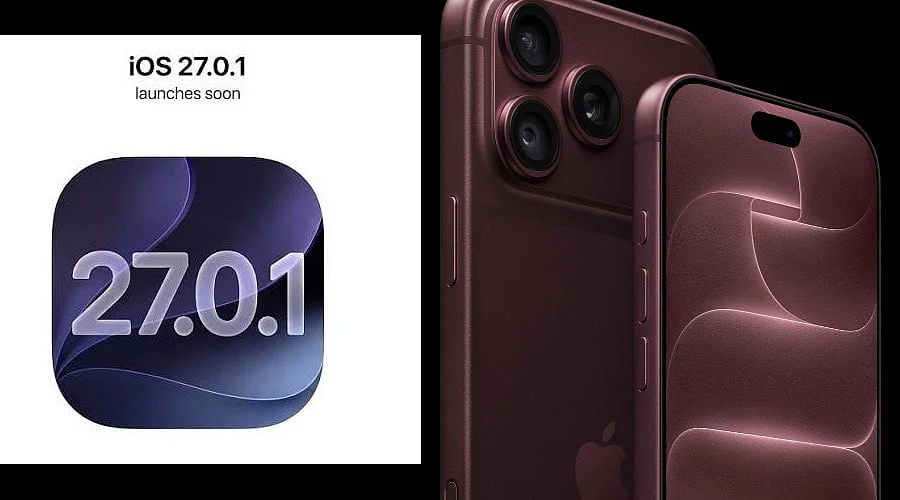
Following the rollout of iOS 27, Apple distributed iOS 27.0.1 on Monday, September 28, aimed at resolving early software glitches primarily affecting the iPhone 18 Pro and iPhone 18 Pro Max. To install the update, users can navigate to Settings > General > Software Update, and it is advised to remain connected to Wi-Fi and a power source during the process.
The initial iOS 27.0.1 update centers on resolving Face ID malfunctions that had the potential to cause unforeseen reboots. According to reports, the issue was connected to unsuccessful biometric authentication attempts within secure apps and other protected environments.
Furthermore, Apple has resolved a camera bug that introduced color artifacts into 2x photographs taken under specific lighting. The software patch likewise rectifies touchscreen unresponsiveness that occurred when users opened both the Notification Center and Control Center at the same time.
In its official documentation, Apple outlines the updates as bug fixes for iPhone users. Specifically, one noted problem states that iPhone 18 Pro units “may unexpectedly restart when Face ID fails to authenticate,” resolving a glitch that could freeze the phone before sending users back to the lock screen.
Attention surrounding the Face ID issue emerged shortly after the newest Pro devices became available. The iPhone 18 Pro series features a newly configured Face ID system utilizing an infrared camera positioned beneath the display, which shortens the Dynamic Island by shifting the hardware closer to the status bar.
Camera performance is additionally improved via this same release. Apple notes that a limited number of iPhone 18 Pro and Pro Max units could display an unintended color artifact in images captured using 2x zoom, an f/1.48 aperture, and particular lighting environments.
The touchscreen resolution targets a more general interaction flaw within iOS 27, where launching the Notification Center and Control Center concurrently caused touch inputs to freeze. While introducing no major feature additions, iOS 27.0.1 successfully corrects this behavior.
Additional minor bug fixes or background enhancements may also reach older iPhone models through this release, as Apple’s official release notes do not consistently detail every minor alteration in incremental updates.
Compatible iPhone owners can acquire the software via Settings > General > Software Update. The installation of iOS 27.0.1 should ideally be performed while connected to a power supply and a Wi-Fi network.
Also Read: iPhone 18 India Launch: Check Display, Camera, Price