Enhance Android Browsing With Mobile Chrome Extensions
Discover how to enhance mobile browsing on Android using extensions in Firefox and Samsung Internet, or leverage Google Chrome's built-in AI capabilities like Gemini for a seamless experience.
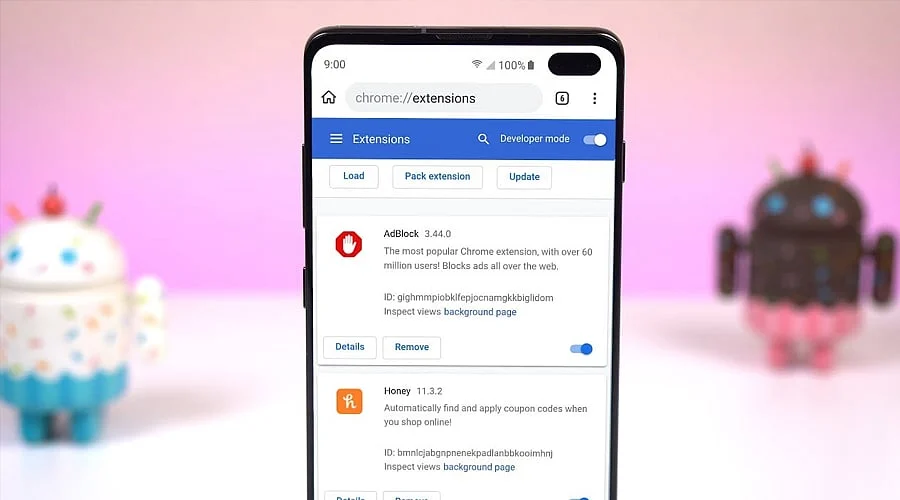
Unlike the desktop version, Chrome for Android lacks support for full extensions. Google chooses instead to integrate native capabilities, such as Gemini in Chrome, which assists users with browsing duties, answers inquiries, and generates page summaries.
Individuals specifically seeking mobile extensions can turn to Firefox for Android. Mozilla hosts an Android add-ons library where compatible extensions can be discovered and installed straight through the browser’s Add-ons manager.
Browsing on smartphones becomes more manageable with the help of privacy-oriented extensions. The Android extension selection for Firefox features utilities like Ghostery, which targets the blocking of advertisements and trackers across websites.
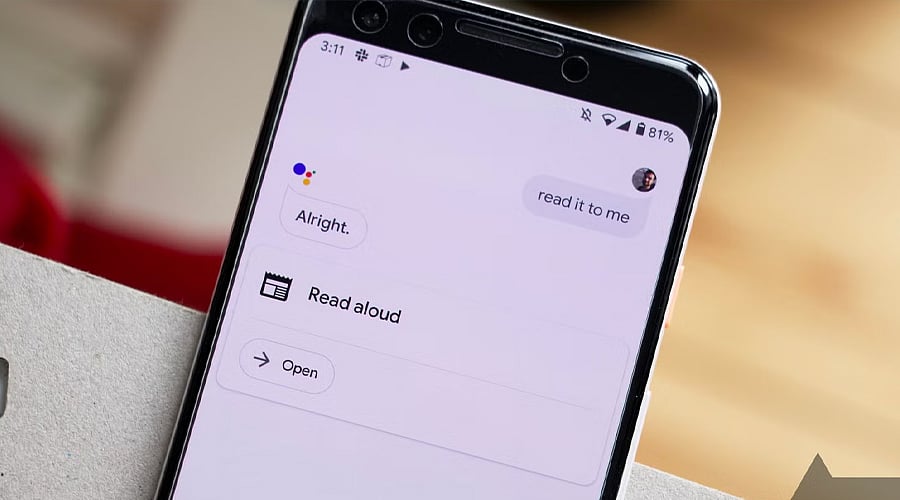
Android users can also benefit from read-aloud utilities. Mozilla’s active Firefox Android extension lineup includes Read Aloud, capable of converting website text into spoken audio across more than 40 languages.
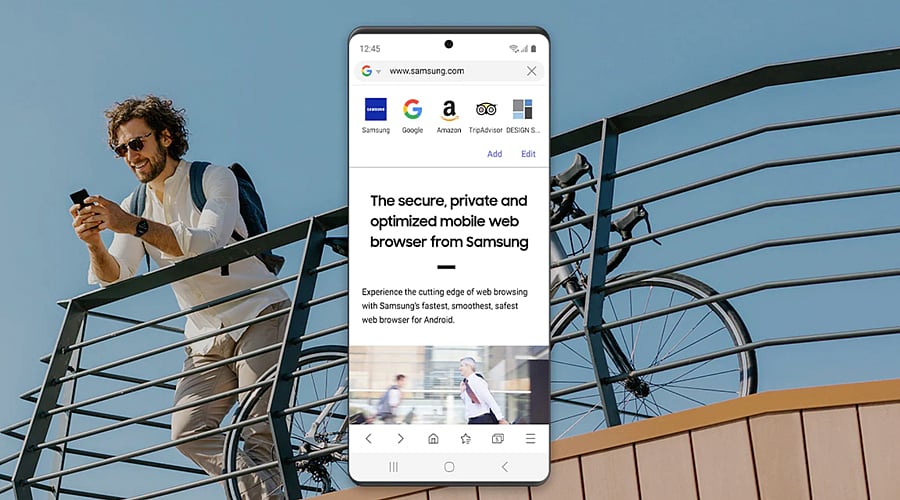
An alternative path for Android extension enthusiasts is Samsung Internet. This mobile browser accommodates third-party extensions via the Galaxy Store, featuring add-ons tailored specifically for mobile web surfing.
Rather than supporting standard Chrome extensions on Android, Google prioritizes integrated artificial intelligence. Gemini in Chrome can answer questions, summarize web pages, and interface with Google applications without necessitating any separate extension installations.
Users selecting browser extensions for Android should rely on trusted sources and review permissions closely. Dedicated extension frameworks are available through Samsung Internet and Firefox, whereas Chrome users can utilize Google’s expanding array of built-in AI and browsing tools.