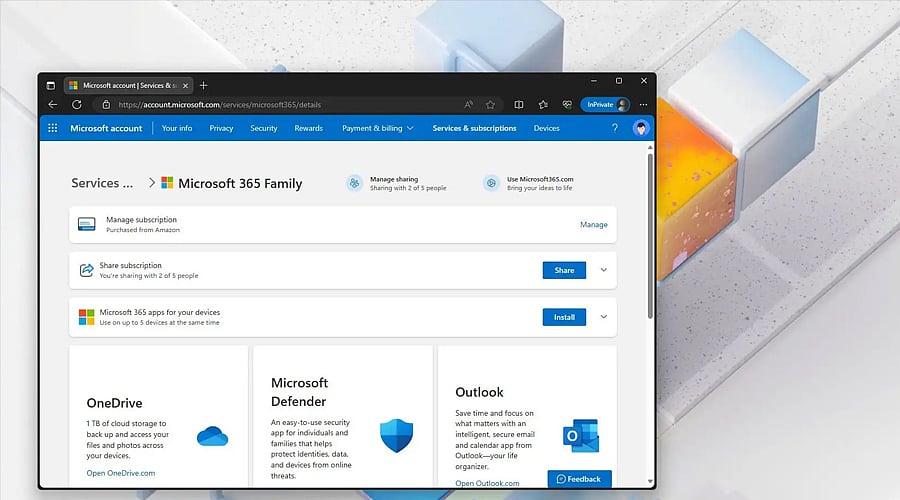
What Happens to OneDrive, Outlook and Purchases When You Delete Your Microsoft Account
Closing your Microsoft account permanently erases OneDrive files, Outlook emails, subscriptions, and purchases. Learn what happens to your data and why reviewing and backing up your information before deletion is essential.
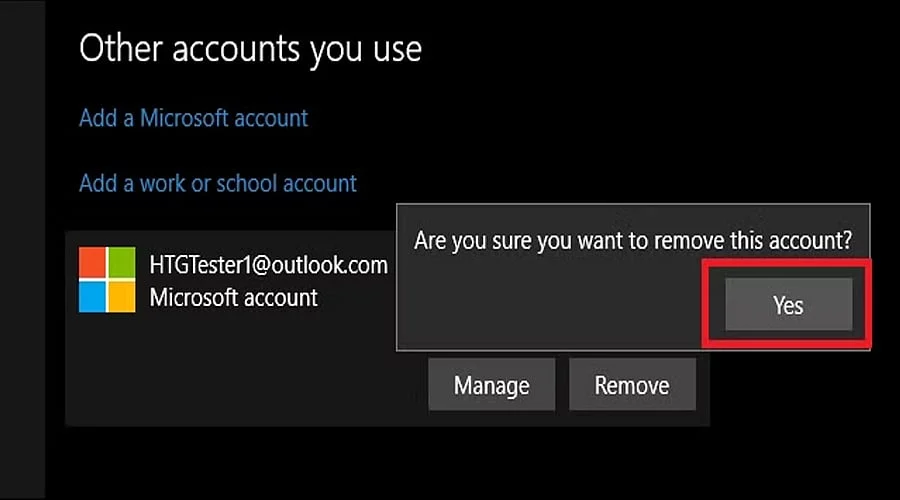
Closing a Microsoft account impacts far beyond just your sign-in access. Because the profile ties together services like Outlook, OneDrive, Microsoft 365, Xbox, and the Microsoft Store, Microsoft recommends thoroughly reviewing critical data, active subscriptions, and personal information before initiating the deletion process.
OneDrive deserves special attention before account removal. Since stored files are tied directly to your Microsoft account, individuals should download or transfer essential documents, photographs, and other materials prior to confirming the closure. Microsoft notes that all account data is purged once the reopening window expires.
Outlook.com email is also connected to the Microsoft account. Shutting down the profile will ultimately cut off access to the mailbox and all saved messages. Users need to back up crucial emails, contact lists, and additional details before requesting account closure.
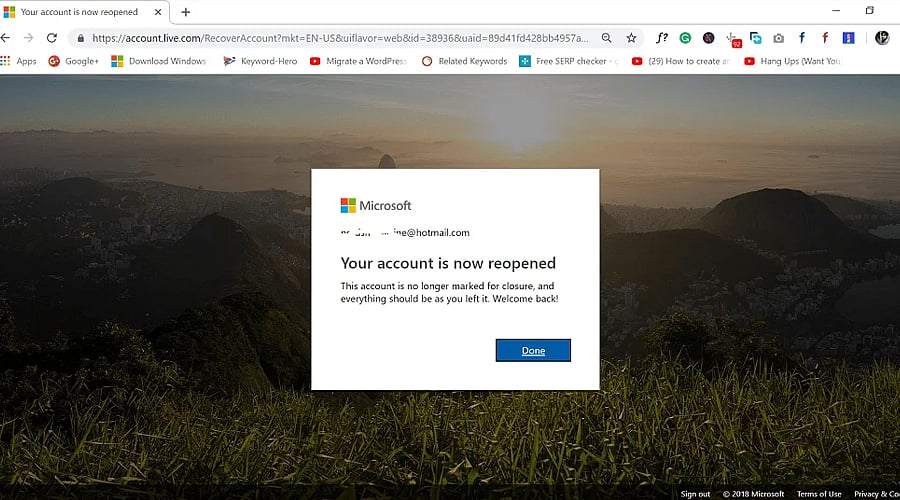
Microsoft gives users a reopening window when closing a personal account. The current procedure lets individuals choose either a 30-day or 60-day grace period. Logging back in during this timeframe cancels the deletion and restores the account.
Purchases and subscriptions also need checking before account closure. Microsoft accounts house order history, active subscriptions, and payment details. It is vital to inspect and cancel any active Microsoft subscriptions beforehand to prevent unwanted charges and avoid losing access to paid content or services.
Microsoft 365 users should check their subscription separately. Terminating Microsoft 365 drops your cloud storage down to the standard free tier limit, which can cause issues with OneDrive and Outlook if your current data exceeds that threshold. Be sure to organize and reduce your files beforehand.
Before permanently closing the account, create a checklist of important files, emails, subscriptions and purchases. Once the reopening window elapses, Microsoft states that the account and all associated data are wiped out permanently, highlighting why careful preparation is crucial.