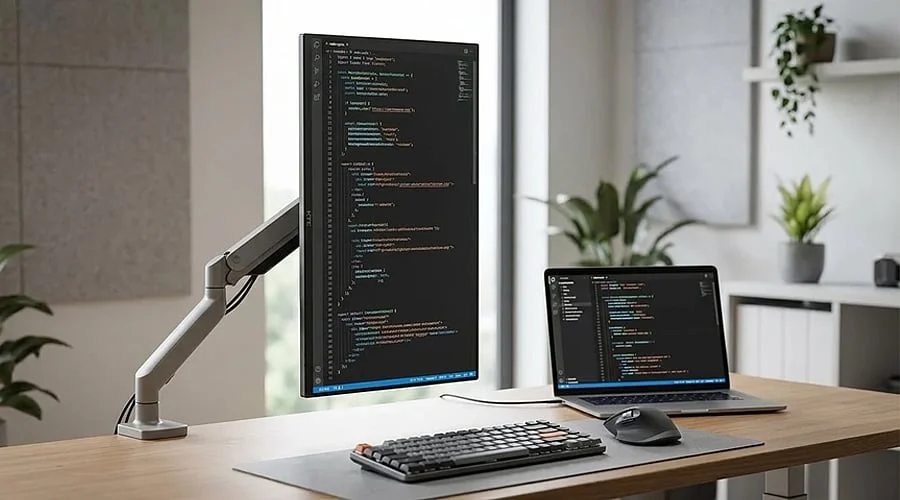
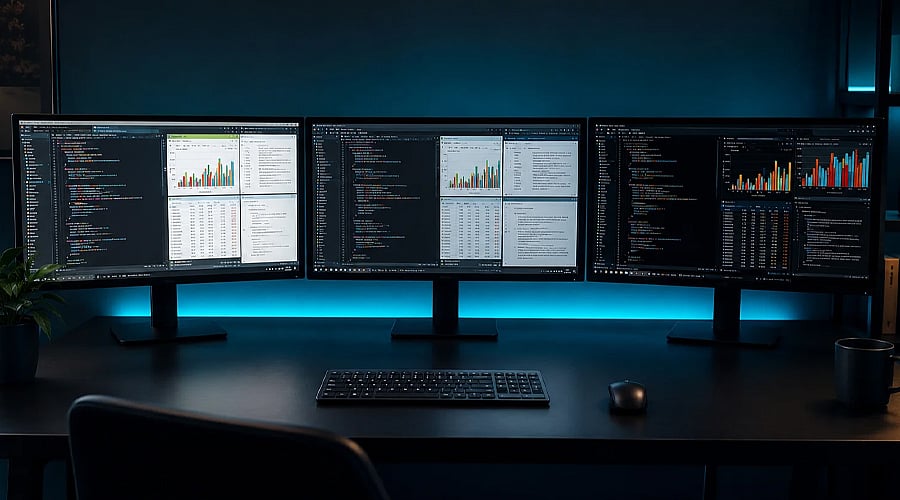
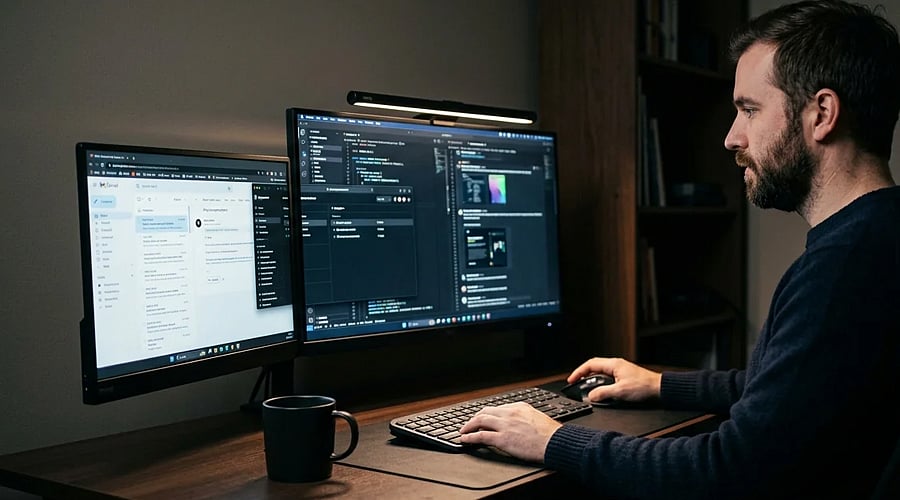
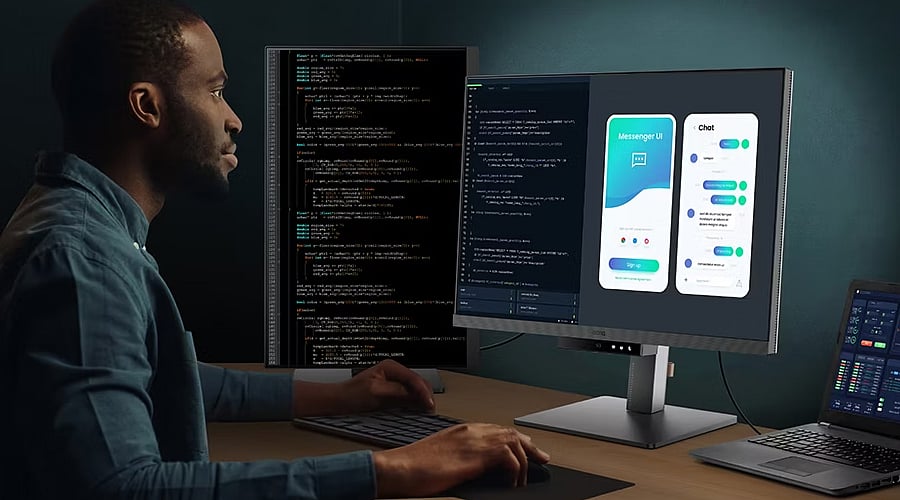
A larger display grants developers additional room to keep code, reference materials, and other utilities visible at the same time. A 27-inch display serves as a sensible baseline, whereas 32-inch options deliver even broader workspaces, ultimately cutting down on how often you need to toggle between different windows.
Higher Resolution Keeps Text Sharp
Display resolution becomes critical when you spend extended periods reading lines of code. A 1440p display represents a clear upgrade from Full HD, whereas 4K delivers crisper lettering and increased screen real estate. Sharp characters simplify the legibility of tiny fonts throughout long stretches of programming work.
IPS Panels Offer Better Viewing Comfort
The underlying panel technology dictates picture clarity and viewing angles. IPS screens are favored by developers because they typically deliver crisp visuals and reliable color uniformity across the entire display. This proves advantageous when your screen simultaneously showcases source code, web browsers, design applications, and documentation.
Refresh Rate Makes Scrolling Smoother
While refresh rate isn’t the primary specification for writing software, an elevated rate noticeably improves the fluidity of scrolling and window navigation. A 75Hz or 100Hz display provides a snappy feel without forcing developers to spend extra money on gaming-centric refresh rates.
USB-C Can Simplify Your Desk
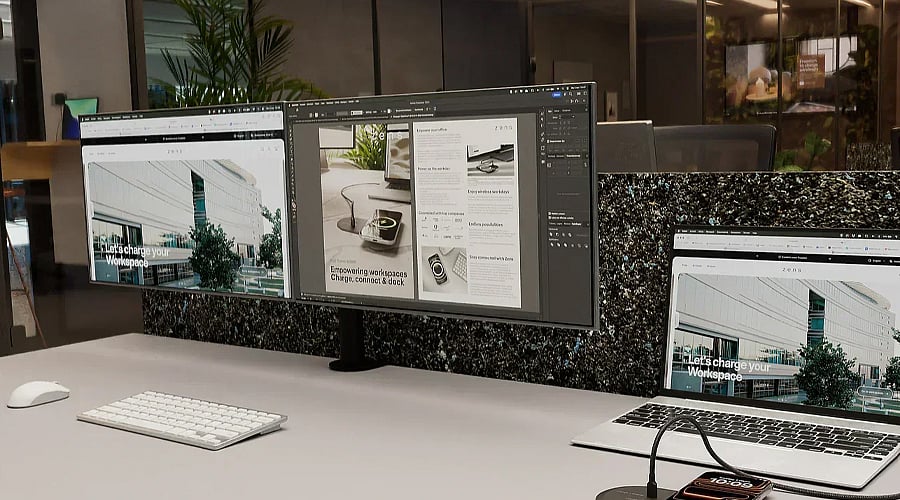
USB-C connectivity enhances a display’s practicality for software engineers who rely on laptops. A matching USB-C display transmits video feeds, data, and power over a single cord, effectively minimizing workspace clutter and streamlining the process of linking a laptop to your workstation.
Ergonomic Features Matter During Long Sessions
An ideal display should remain comfortable during hours of continuous use. Capabilities like height adjustment, tilting, and swiveling allow you to align the screen properly. Additionally, built-in options such as low-blue-light filters and flicker reduction help reduce eye strain during prolonged programming marathons.
Pick Specs That Match Your Coding Setup
The ideal programming monitor doesn’t require every high-end specification available. Prioritize an appropriate display size, crisp resolution, comfortable panel technology, practical refresh rate, and convenient connection ports. For the majority of developers, these five attributes combine to build a tidier, more comfortable, and highly efficient workstation.
Join our WhatsApp Channel to get the latest news, exclusives and videos on WhatsApp