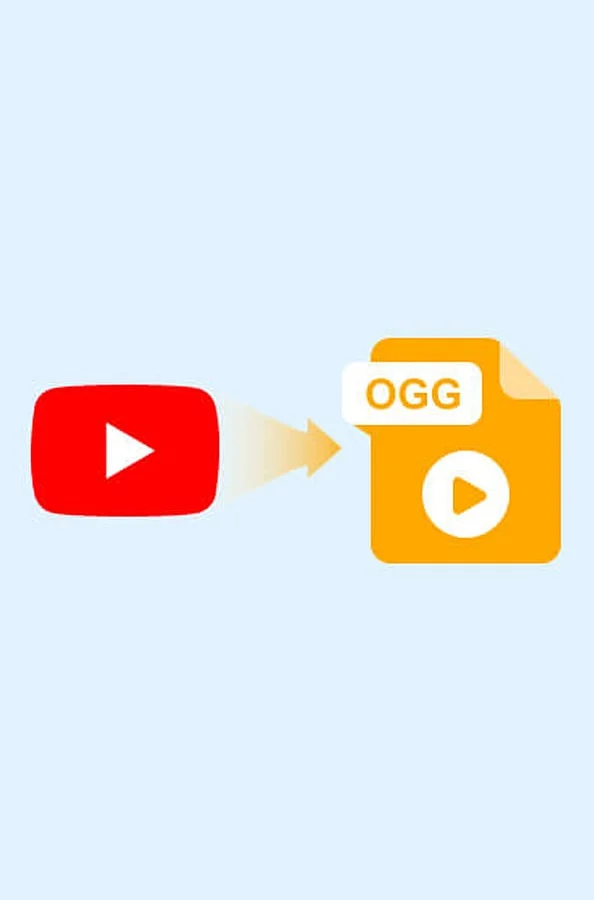
VLC Media Player: VLC handles OGG playback natively on Windows, macOS, Linux, Android, and iOS, eliminating the need for extra plugins or codecs.
Android Phones: Numerous Android handsets can play OGG audio via their native media players, though support levels depend on the specific device manufacturer and software release.
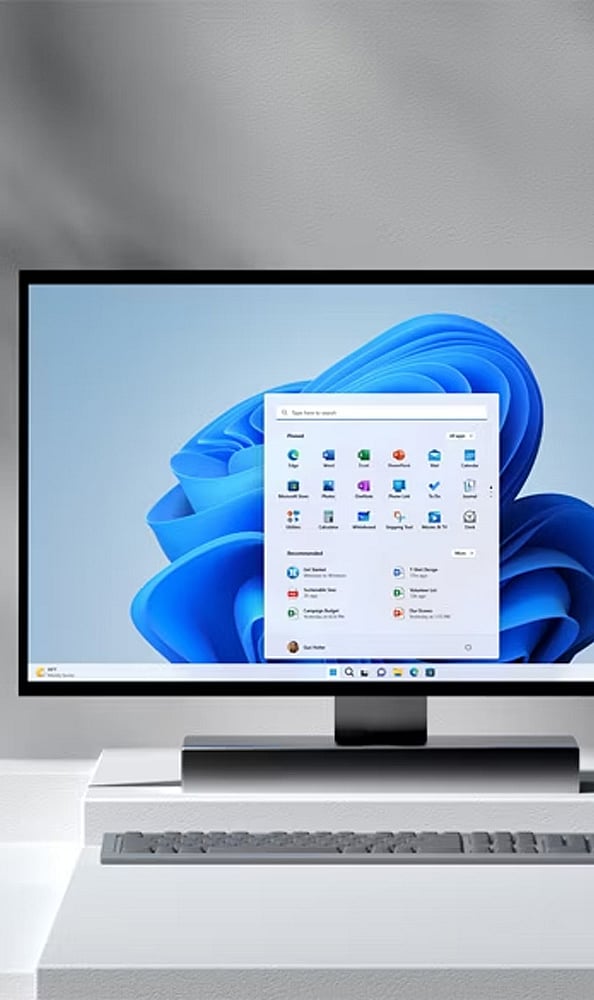
Windows PCs: Personal computers running Windows can open OGG files using various compatible media applications, such as VLC and Windows Media Player.
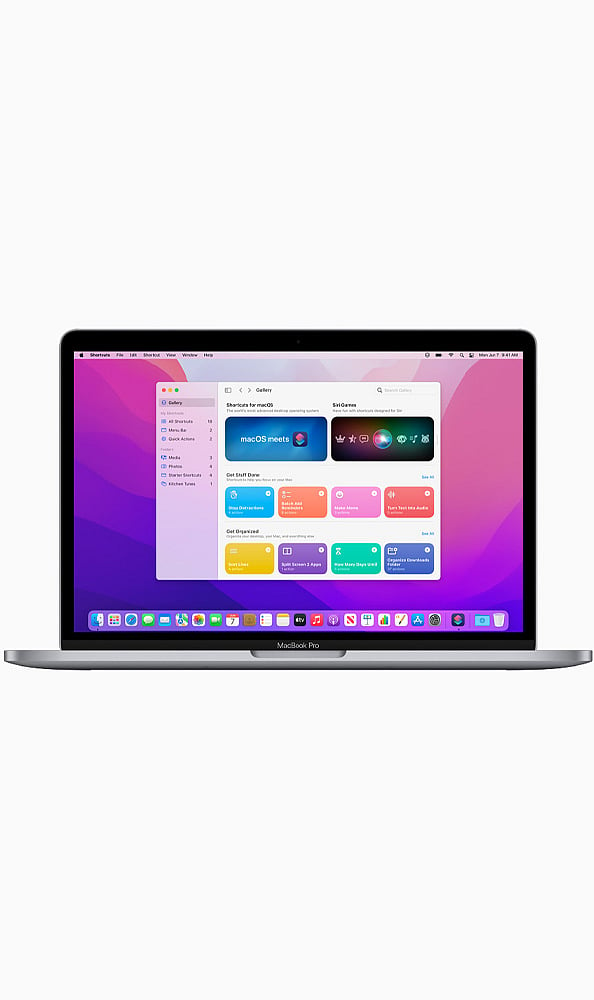
macOS Devices: Apple Mac computers are capable of playing OGG files by utilizing third-party programs like VLC, which offers dependable compatibility for the format.
Linux Computers: Various Linux distributions natively accommodate OGG playback through compatible media players including VLC, Audacious, and Rhythmbox.

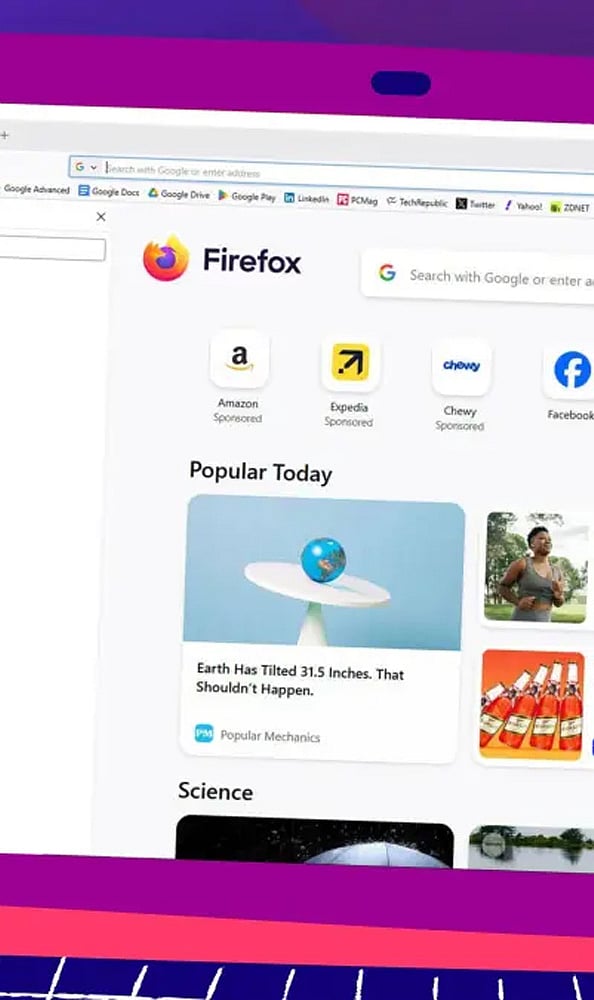
Firefox Browser: The Firefox web browser enables direct OGG audio playback, letting users listen to web-based audio and compatible OGG files without installing extra software.
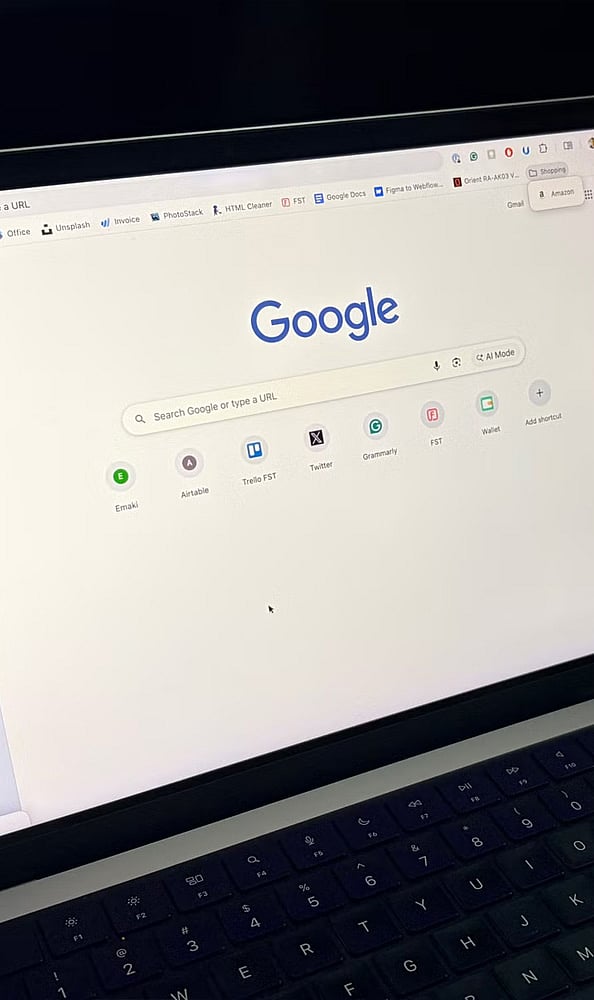
Chrome Browser: Google Chrome features built-in support for OGG audio playback, allowing individuals to stream compatible OGG files directly on supported web pages.
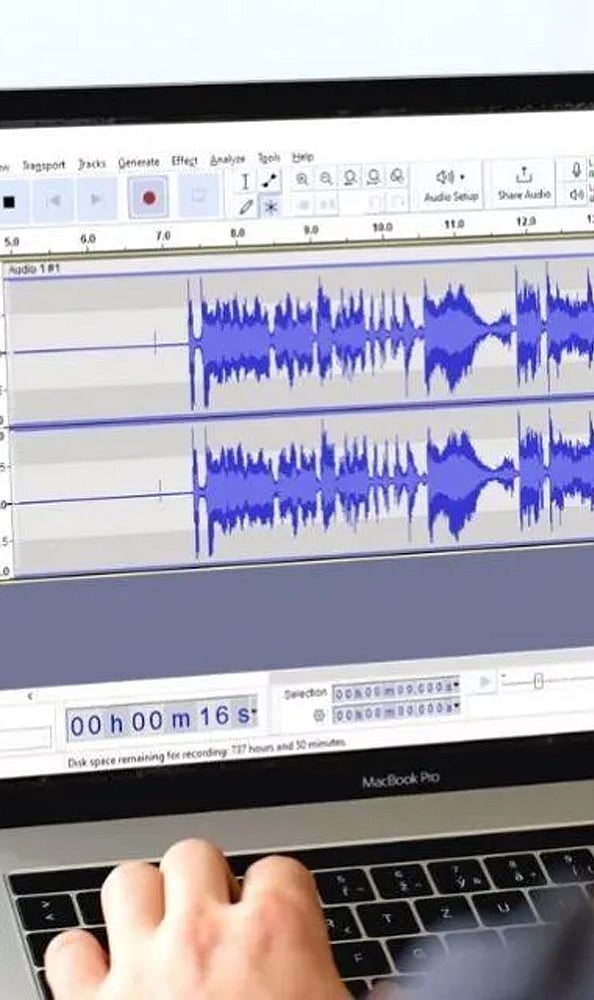
Audacity: Users can open and listen to OGG audio files within Audacity, which also supplies a full suite of editing tools for digital audio projects.
Winamp: Winamp accommodates OGG playback, offering a familiar desktop environment for users to manage and enjoy compatible audio tracks.
Read More Stories!

Join our WhatsApp Channel to get the latest news, exclusives and videos on WhatsApp