Google TV and Android TV Compared: 7 Major Differences
Discover the seven major differences between Google TV and Android TV, comparing their user interfaces, home screens, app support, profiles, and live TV features to help you choose the right smart TV platform.
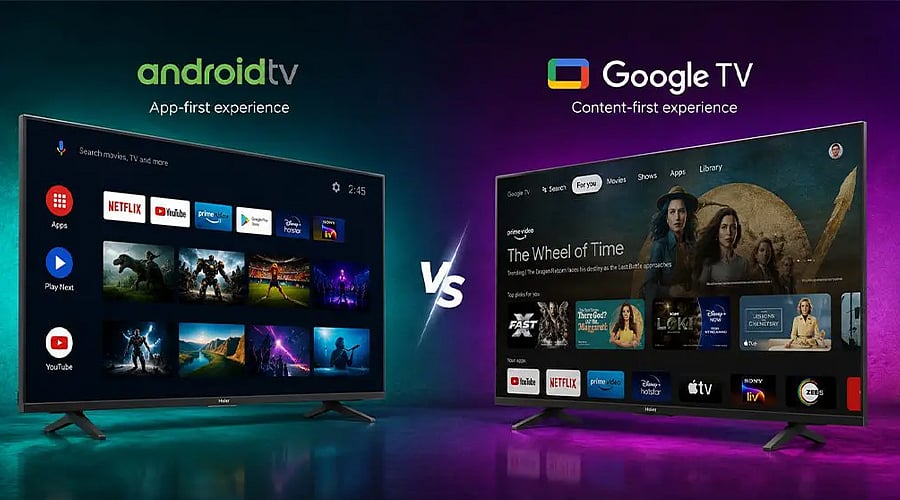
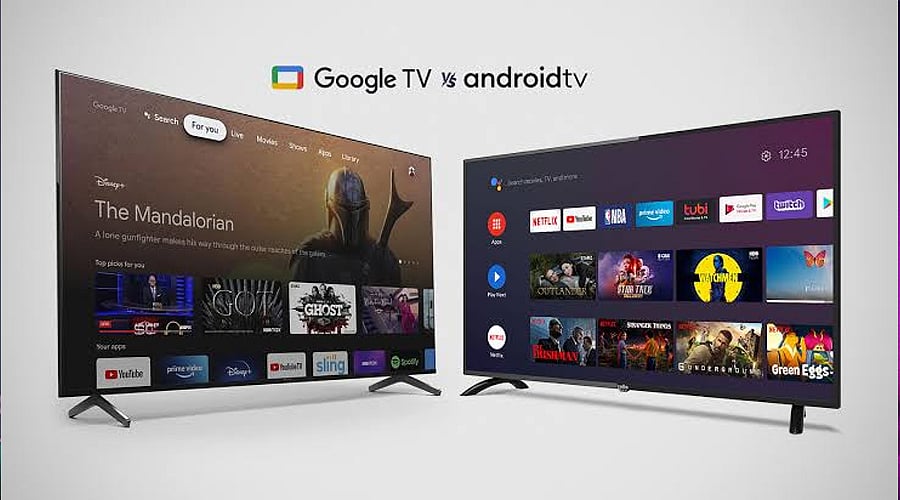
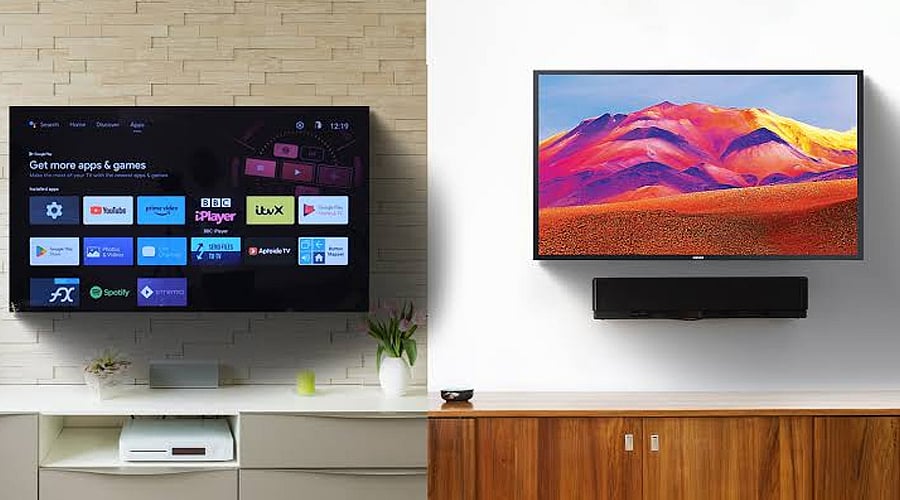
The Main Difference: Google TV and Android TV operate on the same foundational Android TV operating system, though their user interfaces differ. Android TV centers around apps, whereas Google TV consolidates movies, shows, and suggestions onto a single screen.
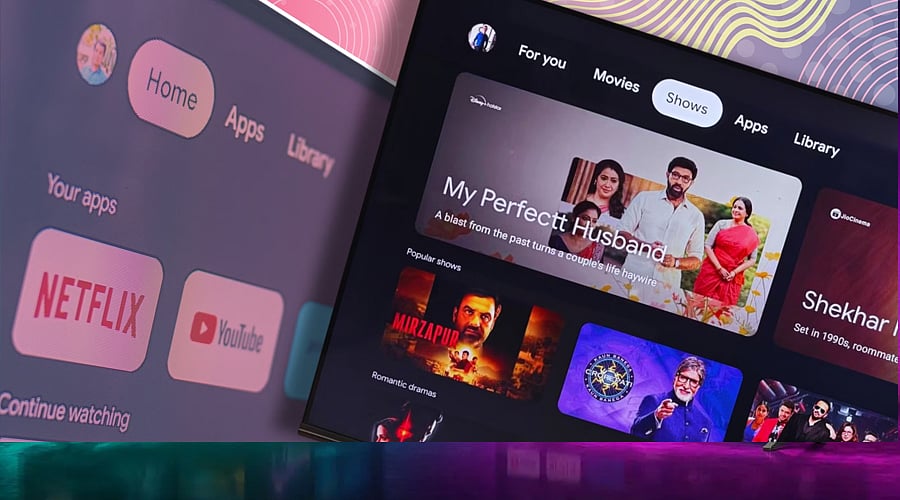
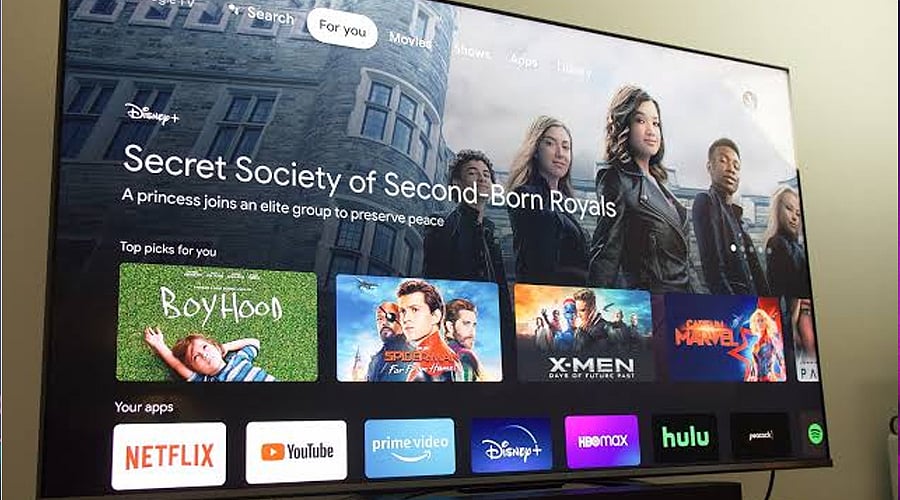
Home Screen and Interface: Android TV presents rows of apps and media, allowing users to easily launch preferred services directly. Conversely, Google TV provides a contemporary, content-driven home screen featuring tailored recommendations derived from viewing habits and linked streaming platforms.
Finding Movies and Shows: Google TV assists users in discovering films and television programs across compatible streaming applications without the need to switch between them one by one. Android TV likewise provides suggestions, but its usability relies more heavily on the app layout and the home screen itself.
Apps and Streaming Support: Both systems accommodate applications from the Google Play Store, encompassing mainstream streaming platforms. Google TV fails to grant automatic access to paid subscriptions or content. Furthermore, app accessibility relies on the specific device, geographic region, and streaming provider.
Profiles and Watchlists: Google TV accommodates customized user accounts, tailored suggestions, and a watchlist capable of synchronizing across compatible hardware. Additionally, it features children’s accounts equipped with parental restrictions on supported hardware. These functions can differ depending on the geographic area and device model.
Live TV and Google Assistant: Both operating systems incorporate Google Assistant on compatible hardware to facilitate voice-activated searches and media exploration. Google TV additionally supplies a Live tab where applicable, though the accessible channels and capabilities differ by country and service provider.
Which Smart TV Should You Choose? Opt for Google TV if you want customized suggestions, streamlined media exploration, and an up-to-date interface. Android TV continues to serve as a sensible alternative for users who favor a layout centered around apps. Prior to making a purchase, evaluate hardware factors such as processing power, memory, visual performance, and software update longevity as well.