Can You Create Gmail Without a Phone Number: Yes, Google occasionally allows users to set up a Gmail account without a phone number, though verification might still be necessary under certain conditions.
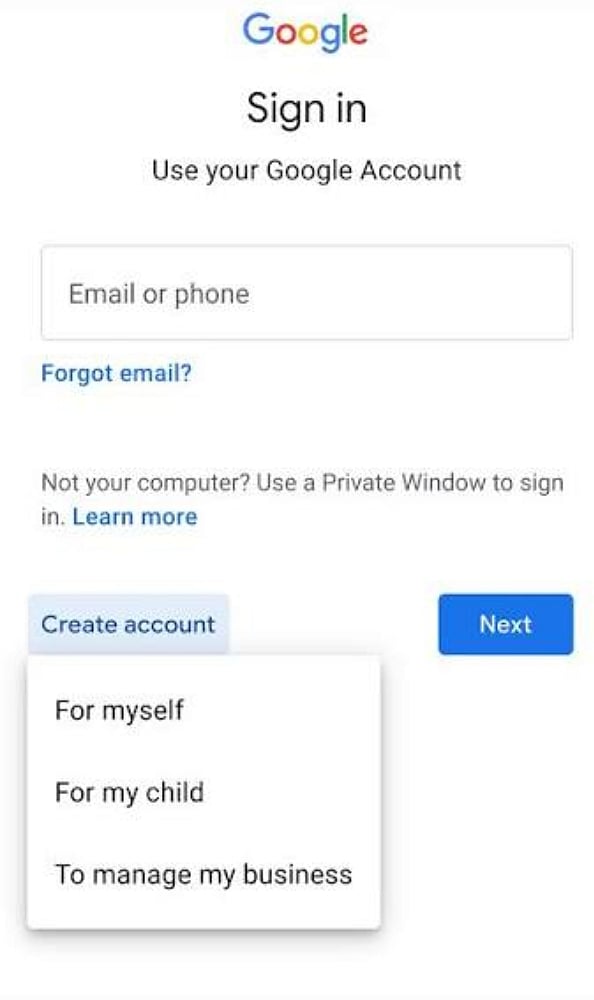
Open Gmail Sign-Up: Head over to the Google Account Sign-Up page and choose “Create account” for personal use.
Enter Your Details: Input your name, birth date, and any other requested information to start the setup process.
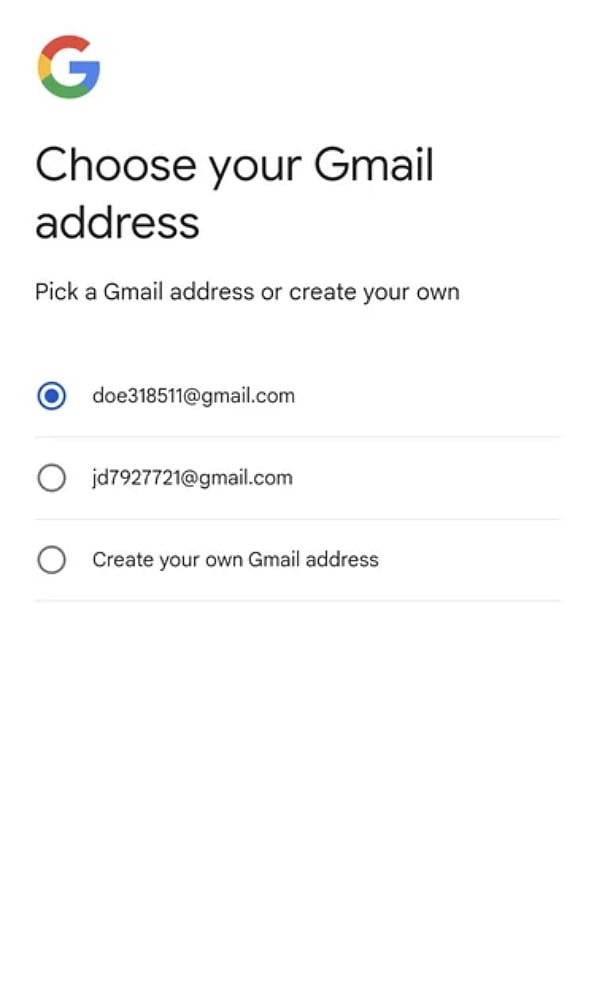
Choose a Gmail Address: Pick from the suggested email addresses or set up a unique, available username.
Create a Password: Set a robust and distinct password to secure your newly created Gmail profile.
Skip the Phone Number: When Google presents a phone number field accompanied by a “Skip” button, simply select it to proceed without entering your phone number.
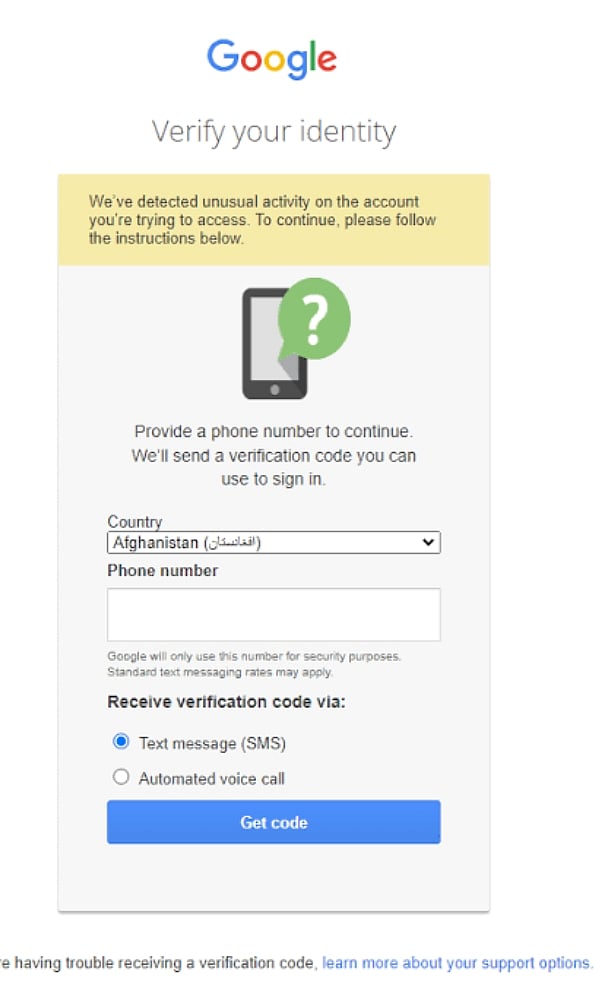
What If Google Requires Verification: Should Google demand mandatory phone verification, bypassing this security check via the standard registration flow is not possible.
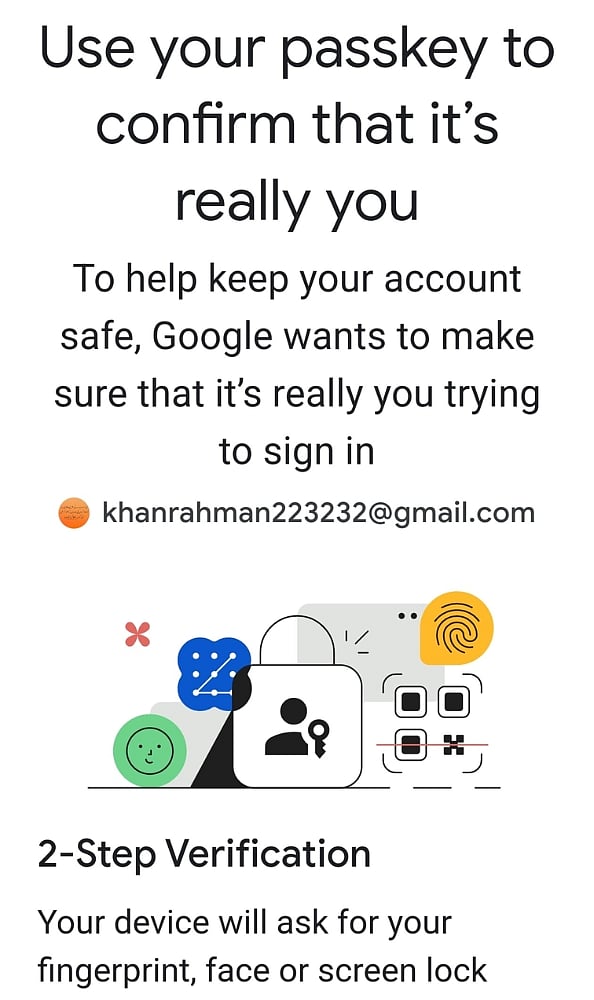
Add a Recovery Email: Provide a working alternate email address as a backup method to help recover your account if you happen to lose your password.
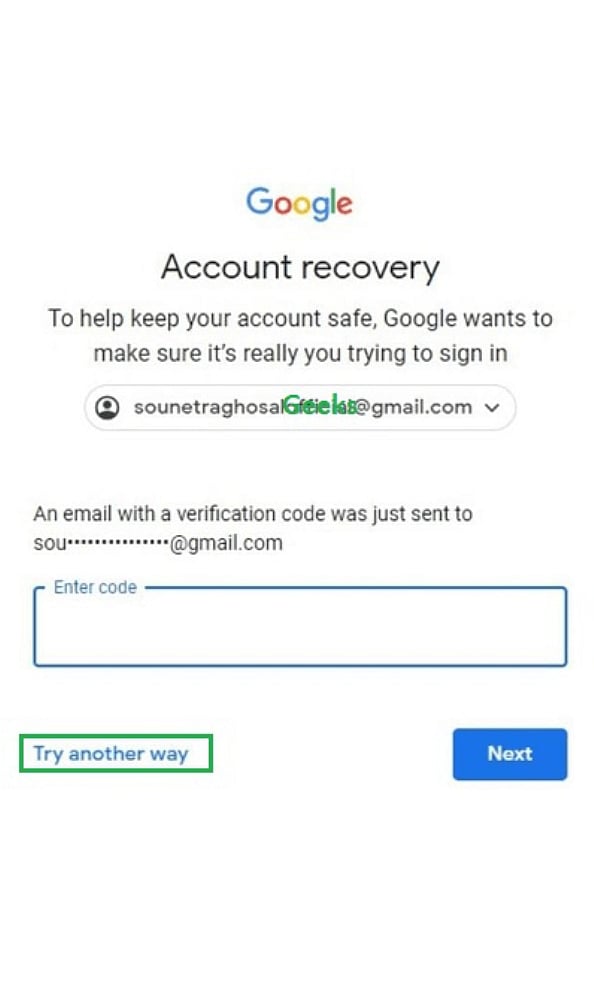
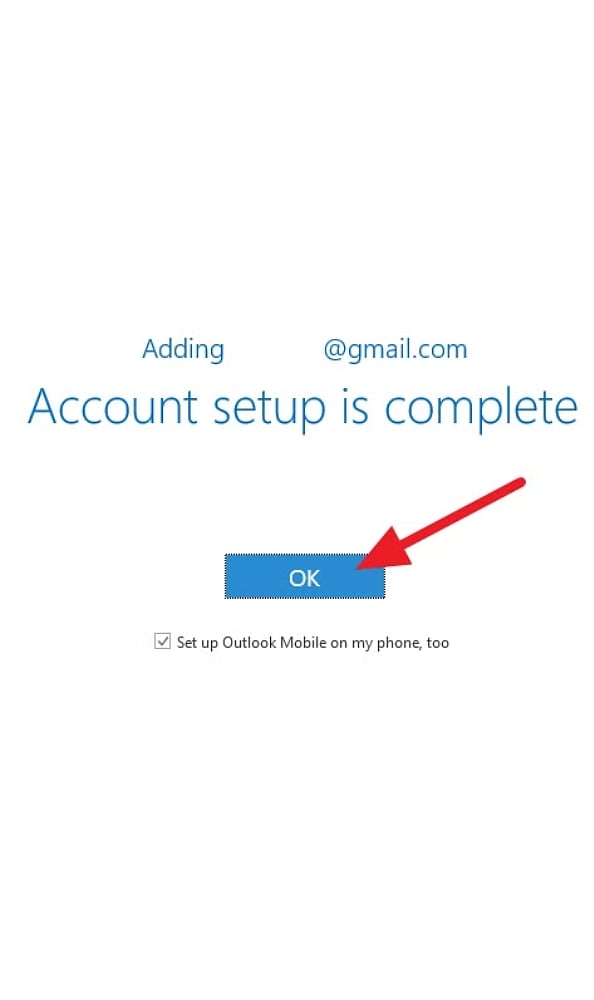
Complete Your Gmail Setup: Go over your information and wrap up the remaining prompts on the screen. Keep in mind that omitting a phone number is not a certainty for every user registration.
Read More Stories

Join our WhatsApp Channel to get the latest news, exclusives and videos on WhatsApp