Playing GTA V on iPhone: Compatibility and Performance Guide
Discover how to play Grand Theft Auto V on an iPhone through remote streaming services like PlayStation Remote Play, Xbox Remote Play, and Steam Link, while avoiding risky unofficial ports.
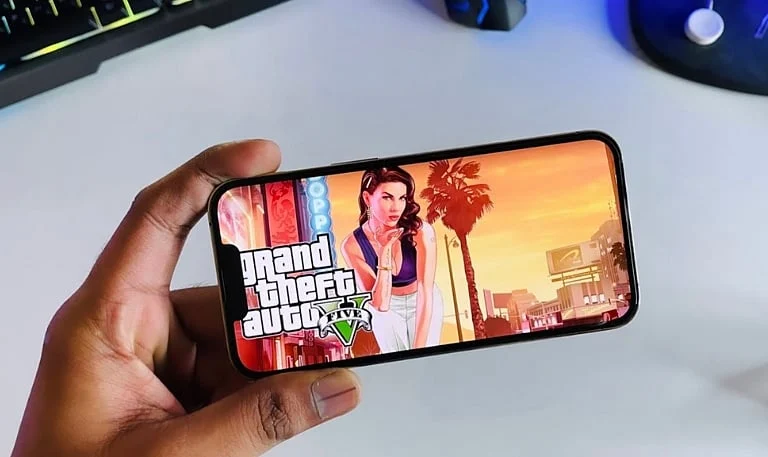
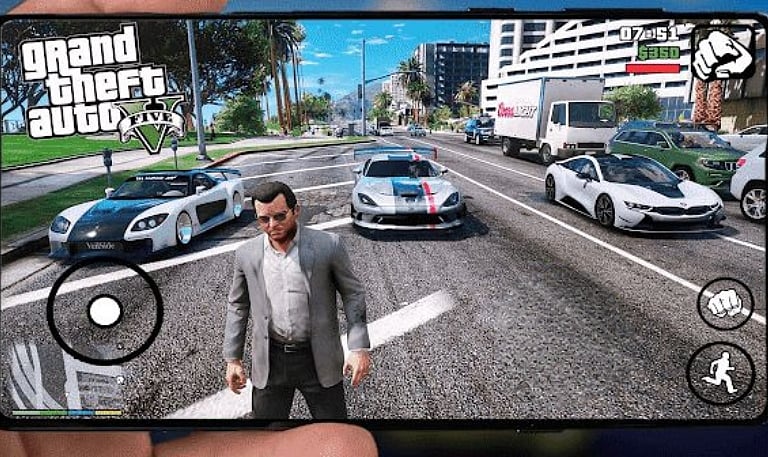
Can You Play GTA V on iPhone?: Grand Theft Auto V lacks an official native release for iOS devices. While Rockstar Games provides the title for personal computers and supported consoles, its official mobile lineup only features previous iterations in the series. Still, iPhone owners can stream or remotely play GTA V if they have a working connection to a compatible gaming setup.
GTA V Compatibility With iPhones: Apple’s App Store does not offer a downloadable, official iOS build of GTA V. Consequently, compatibility on an iPhone relies entirely on the streaming technique chosen. Utilizing remote play necessitates a compatible Xbox, PlayStation, or PC, whereas unauthorized ports bring up various legal, software, security, and hardware issues.
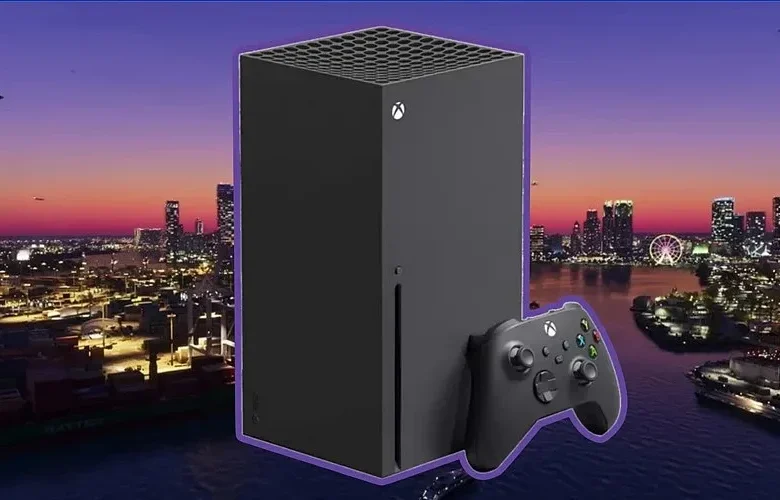
How to Play GTA V on iPhone: Users can experience GTA V on their iPhones by broadcasting the game directly from a supported console or computer. PS Remote Play and Xbox Remote Play link up compatible consoles, whereas Steam Link facilitates streaming from a gaming rig. All of these options demand a dependable network connection, proper configuration, and access to the game itself.
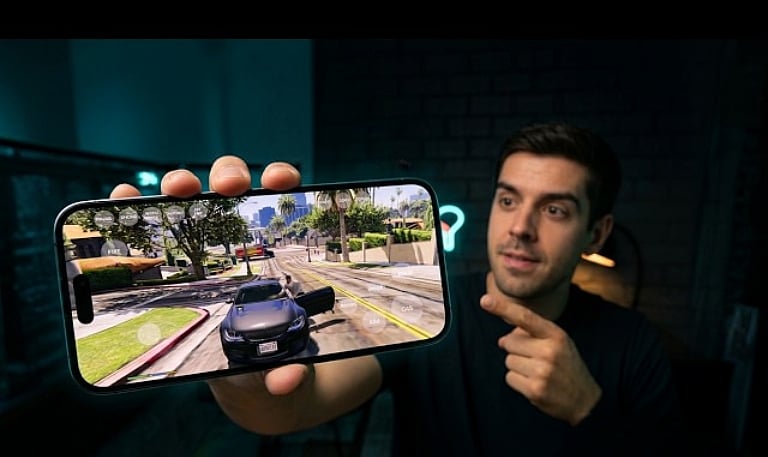
GTA V Performance on iPhone: The resulting performance is dictated by the network quality, host hardware, chosen streaming technique, and specific iPhone model. Maintaining a robust Wi-Fi signal helps minimize interruptions, whereas network crowding can introduce input lag, visual degradation, or pixelation. In contrast to native titles, remote play depends on a separate host machine to process GTA V and stream the feed to the smartphone.
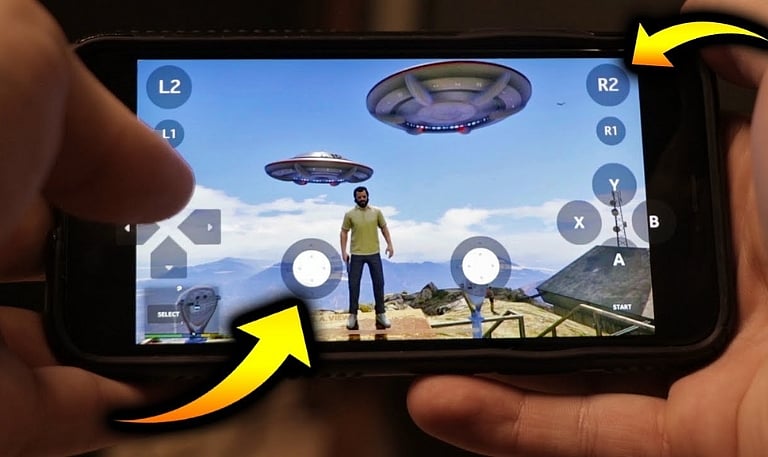
Graphics, Controls and Battery Life: GTA V features complex action sequences, driving scenarios, and an expansive open world filled with intricate details. Streaming quality dictates how well these visual elements translate onto an iPhone screen. During demanding missions, on-screen touch controls can prove cumbersome, making compatible physical controllers a better choice for navigation. Furthermore, prolonged sessions can cause the device to heat up and drain the battery faster.
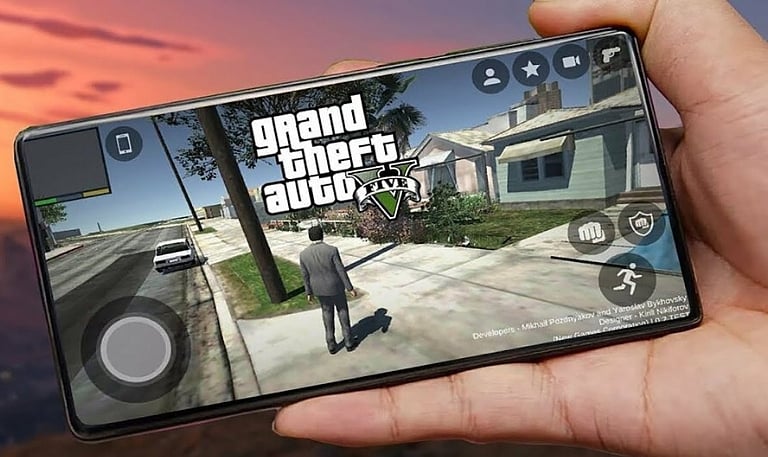
Risks of Unofficial GTA V Ports: Although unofficial iPhone versions of GTA V draw significant interest, they are entirely separate from legitimate Rockstar releases. Unauthorized installation packages may harbor security vulnerabilities, and certain unauthorized projects utilize inaccessible or unapproved game files. Players must steer clear of unverified configuration profiles, sketchy downloads, and web pages claiming to offer a genuine, standalone mobile edition.
Best Way to Play GTA V on iPhone: Stream-playing a lawfully owned copy from an eligible console or PC remains the most sensible path for most users. Before beginning configuration, review the prerequisites of the preferred streaming app. While this strategy bypasses the need for unofficial local installations, overall performance is still dictated by the iPhone’s capabilities, network stability, host specifications, and controller compatibility.
Join our WhatsApp Channel to get the latest news, exclusives and videos on WhatsApp