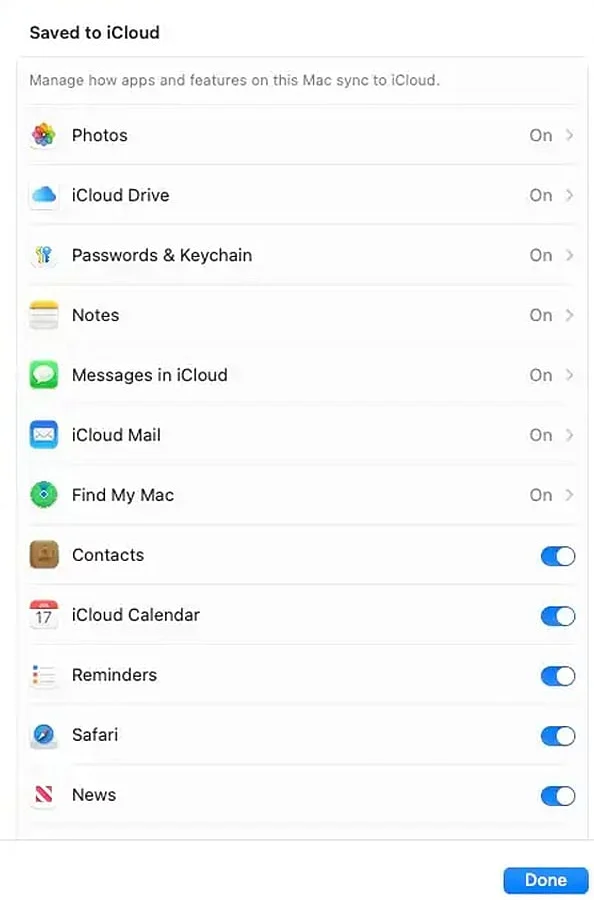
FileVault Encryption: Turn on FileVault to secure your Mac’s startup disk, safeguarding your stored documents and personal data in the event the device is misplaced.
Firewall: Activate the native firewall to monitor incoming connections, lowering the risk of unauthorized access while you run AI-powered software.
App Permissions: Audit permissions granted to AI applications, revoking any unneeded access to your files, contacts, microphones, cameras, and other private system resources.

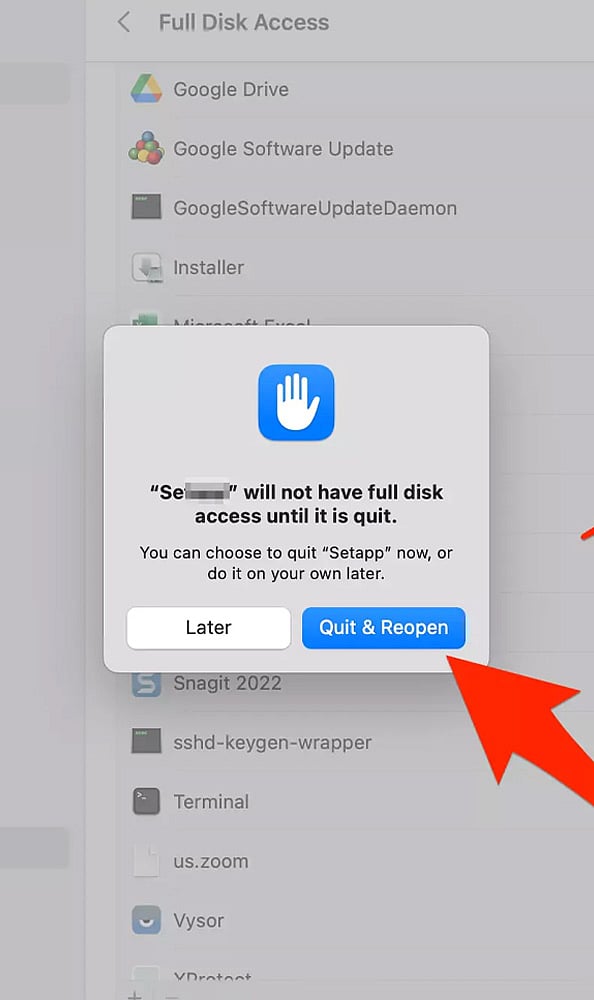
Full Disk Access: Inspect which programs currently hold full disk access and strip these privileges away from AI utilities that lack a legitimate need for them.
Screen Recording: Verify screen recording authorizations prior to engaging with AI assistants designed to record your displays, active windows, or visible workflow details.
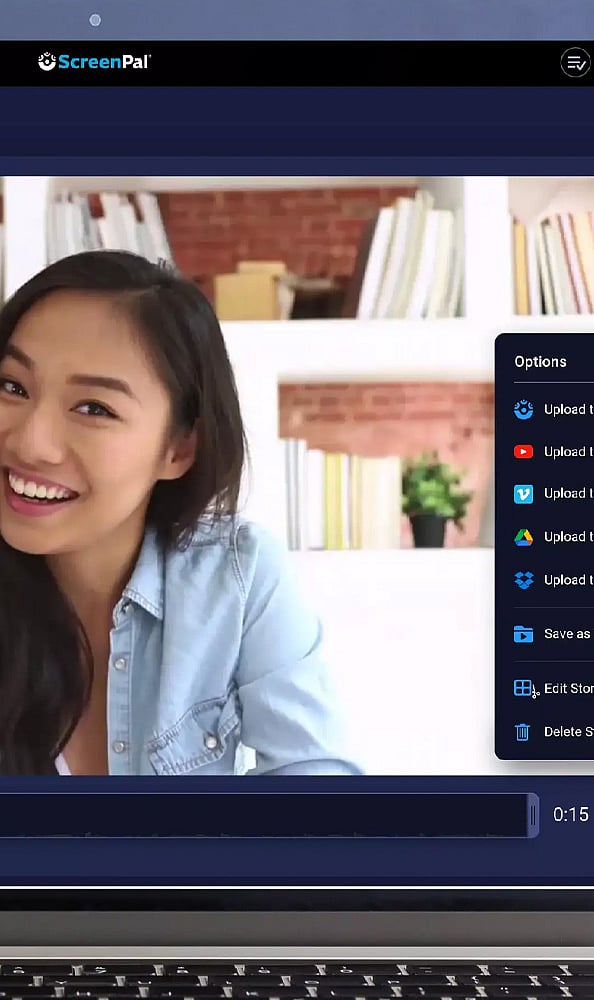
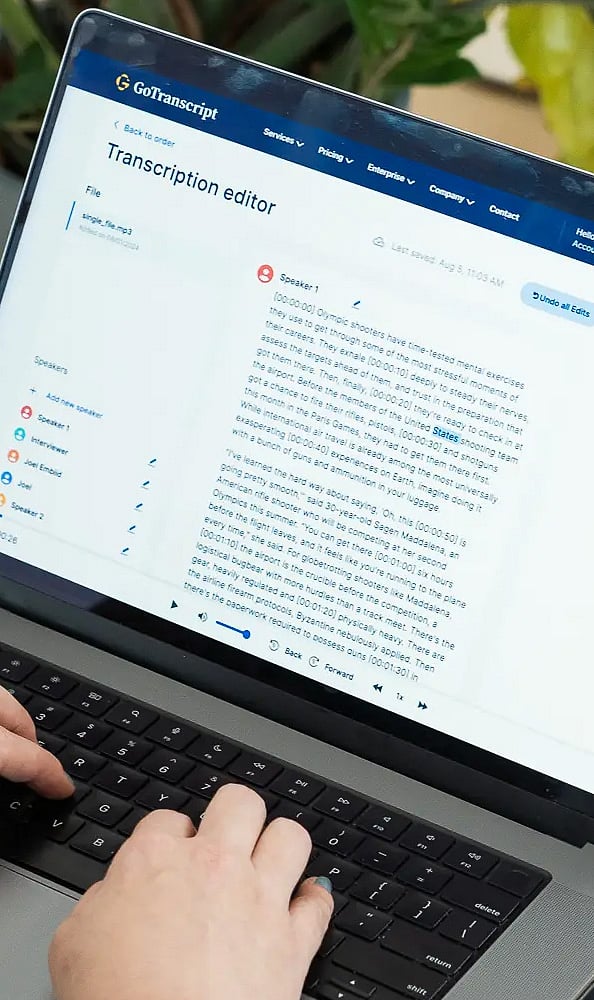
Microphone and Camera: Closely audit camera and microphone access, paying special attention to video programs, voice features, transcription utilities, and AI meeting assistants.
Privacy and Tracking: Assess tracking settings to minimize redundant data collection, thereby cutting down the volume of information AI-connected software can gather or distribute.

Safari Privacy: Enhance your Safari privacy controls by restricting invasive tracking, examining browser extensions, and cutting back on site permissions before launching web-based AI platforms.

Software Updates: Regularly update your macOS system and downloaded apps, as these security patches fix flaws that malicious actors could otherwise target through vulnerable AI tools.

Read More Stories!

Join our WhatsApp Channel to get the latest news, exclusives and videos on WhatsApp