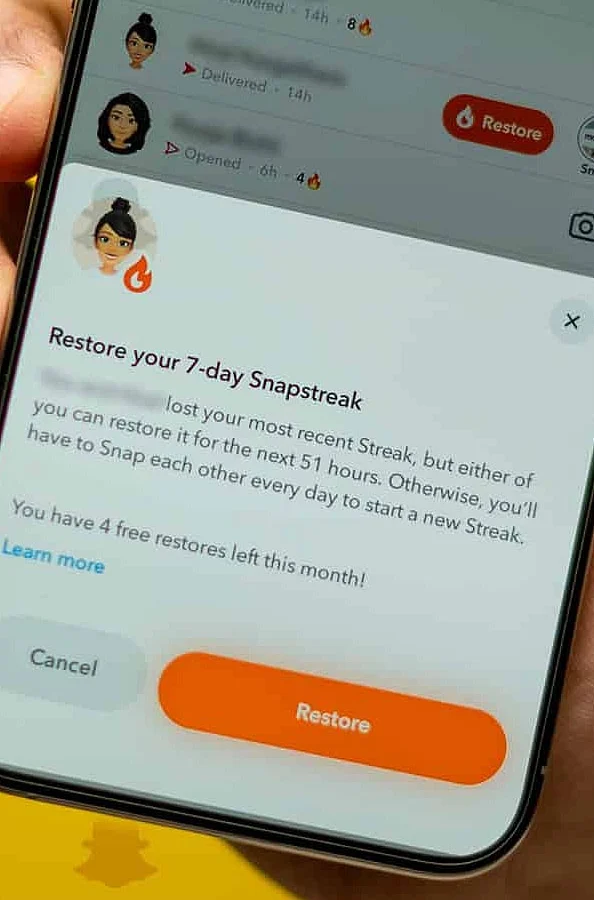
It can be quite annoying to lose a Snapchat streak. Fortunately, if your streak vanished recently, Snapchat provides a few methods you can attempt to recover it.
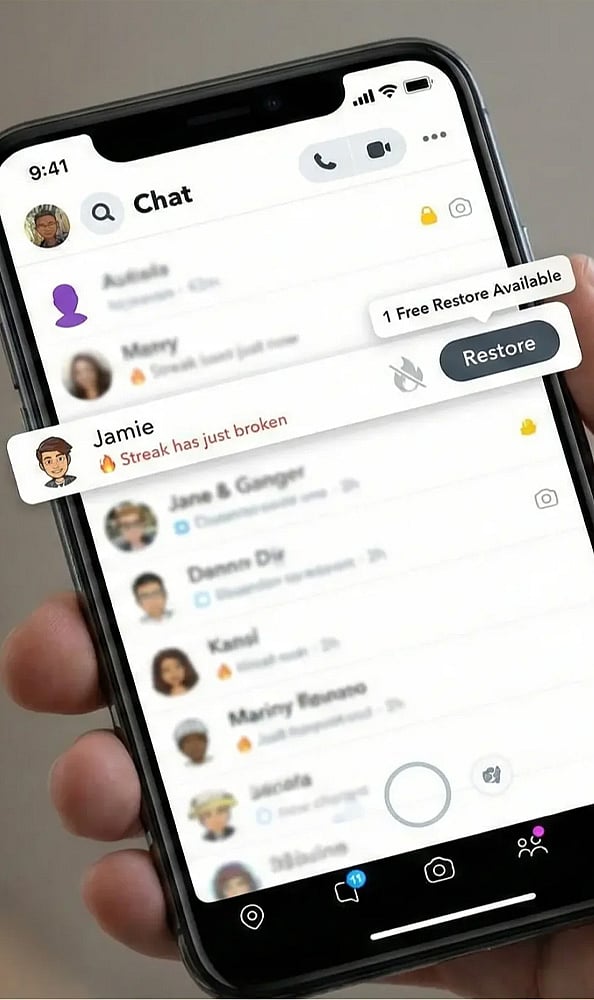
Launch Snapchat and navigate to the Chat screen to verify that the streak has genuinely vanished before pursuing any recovery methods.
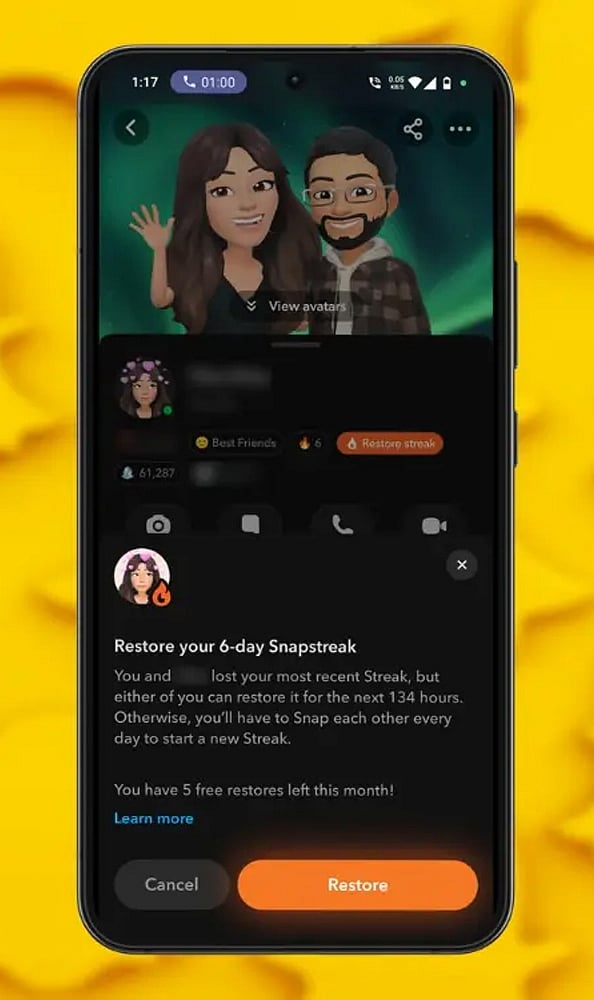
Search for the Restore button located next to the conversation where the streak was dropped. Select it if the feature is visible.

Adhere to the on-screen prompts provided by Snapchat and carefully examine the presented information before finalizing your streak recovery request inside the app.
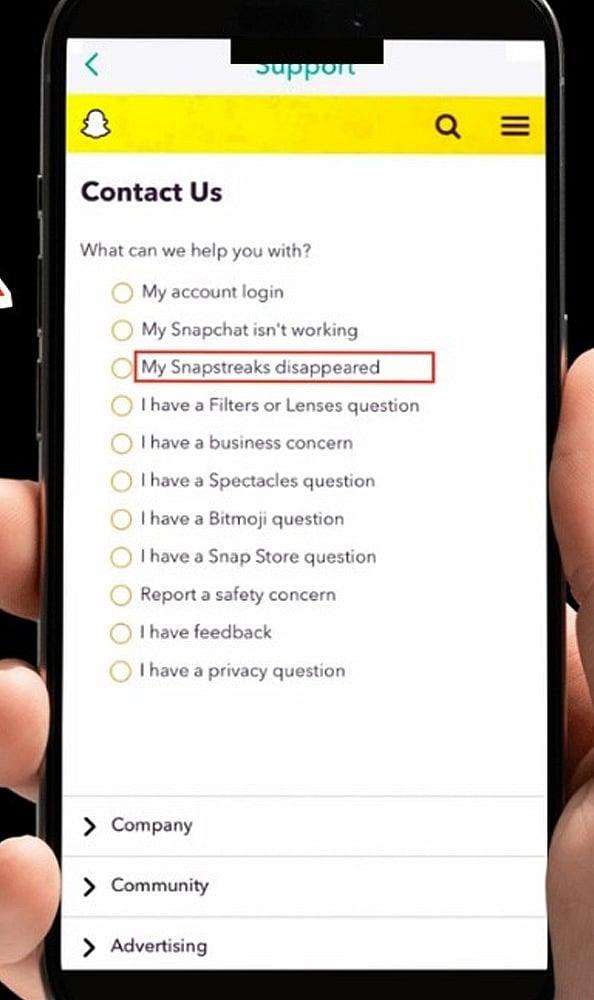
Should the Restore choice be absent, navigate to the Snapchat support website and select the category pertaining to lost Snapstreaks.
Provide the necessary information, such as your account name, your friend’s account name, and details concerning the vanished streak, prior to sending your form.
Keep in mind that Snapchat does not guarantee the recovery of every single streak. This feature tends to be most effective when the streak was lost just recently.
Bear in mind that text messages do not contribute. Both participants are required to send valid photo or video Snaps to each other on a daily basis.

Read More Stories

Join our WhatsApp Channel to get the latest news, exclusives and videos on WhatsApp