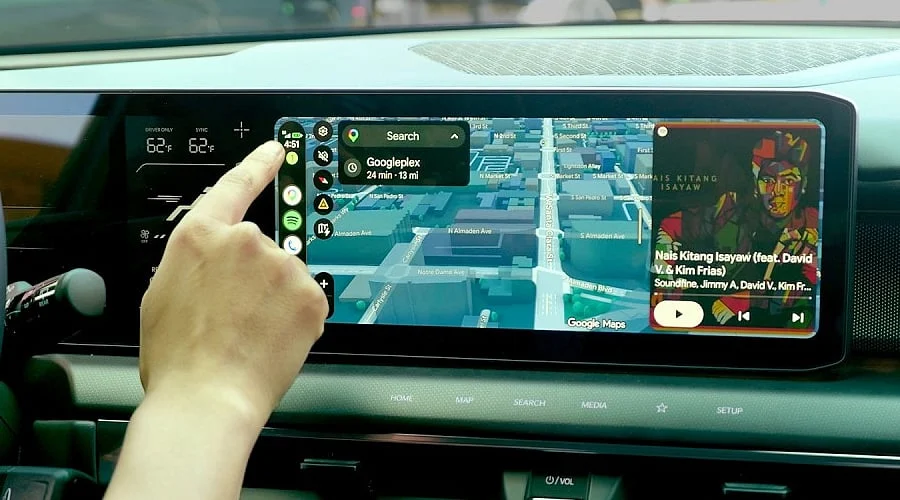
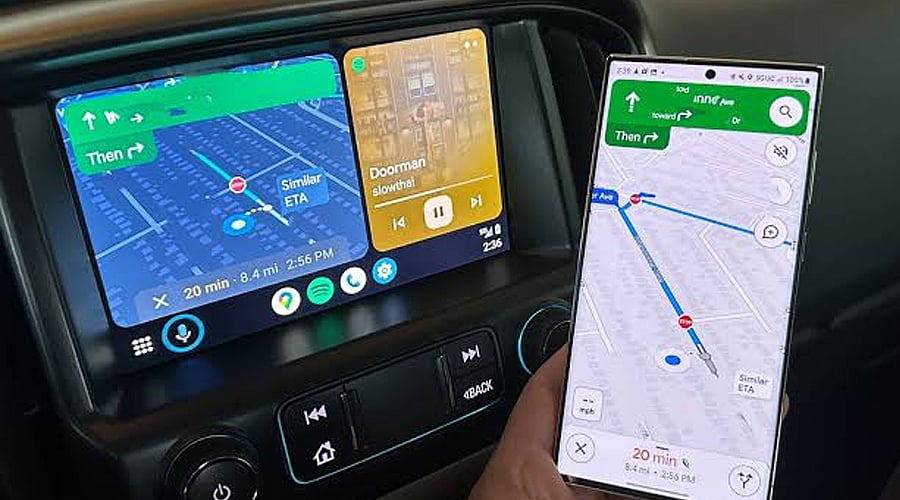
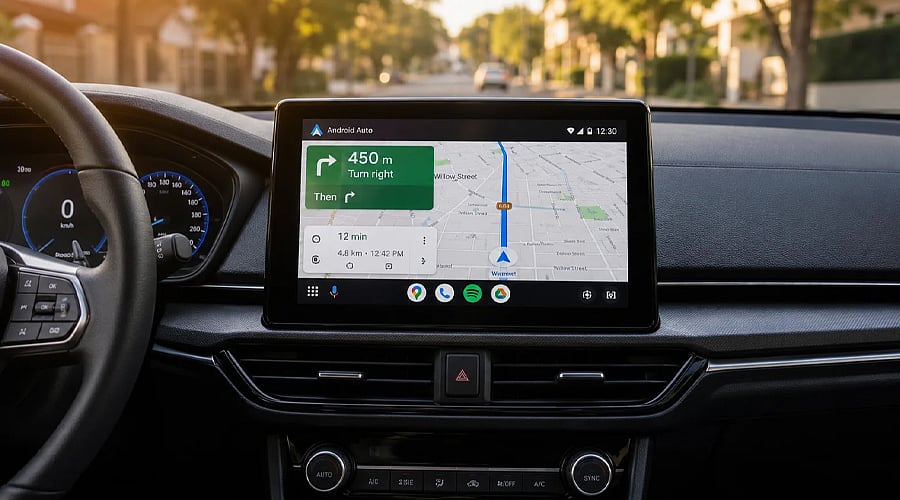
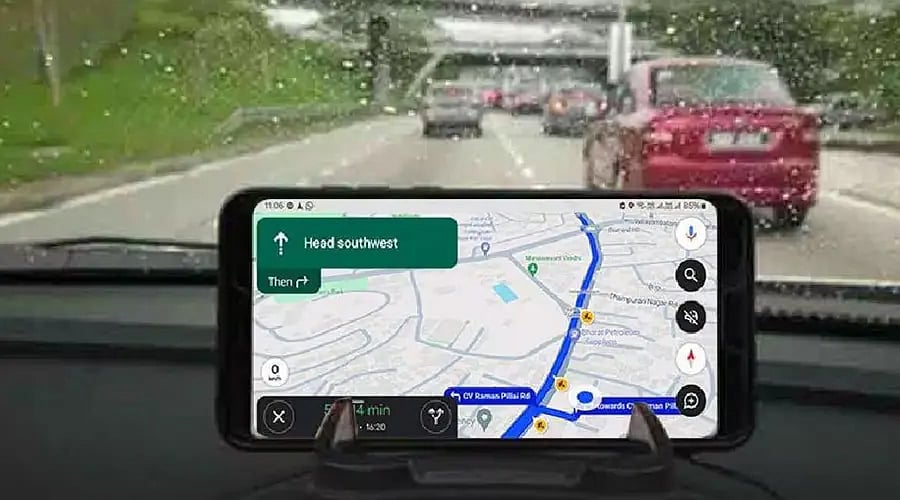
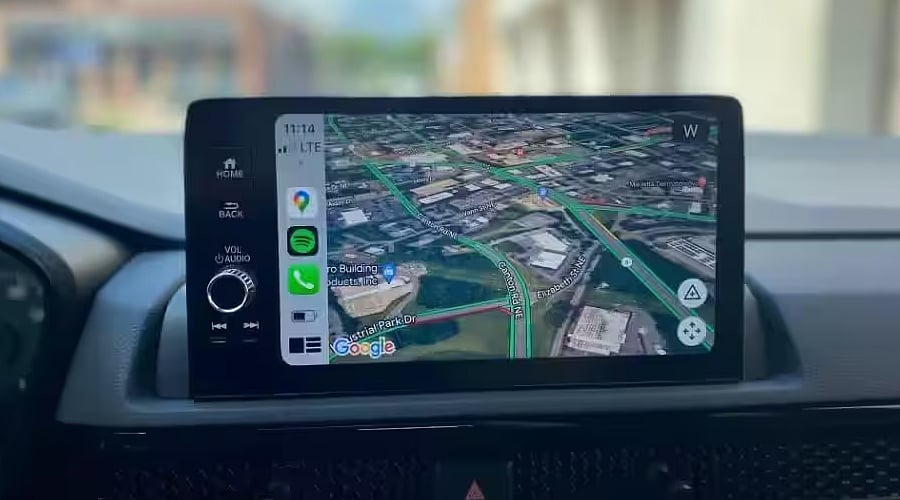
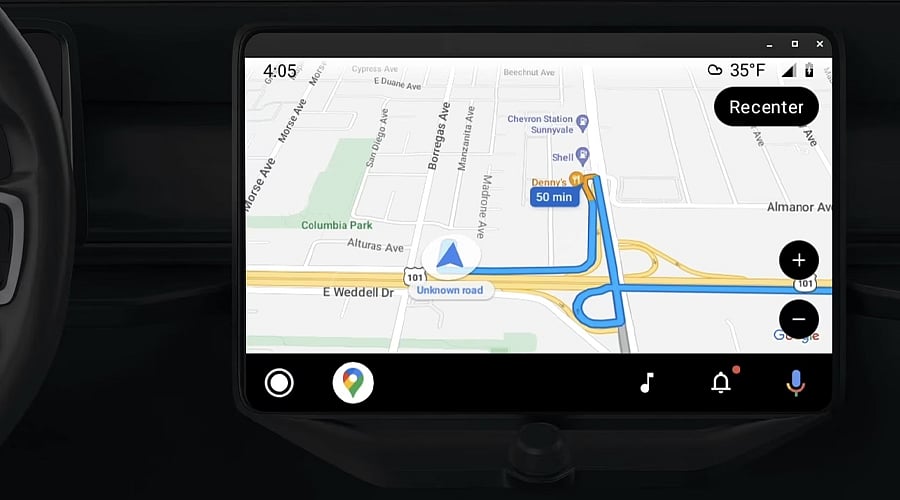
MapQuest is making a return via Android Auto compatibility. The beta release introduces in-car dashboard navigation, providing Android users with an alternative to Waze and Google Maps for daily travel.
Turn-by-turn directions, route alternatives, and real-time traffic updates are all part of the MapQuest Android Auto beta. While driving, motorists can also look up nearby points of interest, including electric vehicle charging stations and gas stations.
To begin, download the newest version of the MapQuest application from the Google Play Store. Participants must enroll in the beta testing program directly through the app’s Play Store listing and perform a subsequent update before linking their smartphone to an Android Auto-supported vehicle.
Following connection, MapQuest should display alongside alternative navigation software on the vehicle’s screen. Should it fail to appear, navigate to the Android Auto settings on your mobile device, choose Customize launcher, and verify that MapQuest is turned on.
Additional driving utilities included in MapQuest comprise voice search, favorite places, saved locations, crowdsourced hazard reports, and a speedometer. These functions are designed to enhance travel convenience while maintaining vital data directly on the dashboard.
Because this Android Auto edition remains in a beta phase, certain bugs may occur. Early adopters have documented application crashes, sluggish performance, and audio navigation prompts cutting out. Furthermore, specific real-time capabilities are presently restricted to Canada and the United States.
The addition of Android Auto functionality provides motorists with a fresh routing alternative, though the beta platform requires refinement. Frequent software patches could enhance performance reliability as MapQuest strives to rival prominent platforms like Waze and Google Maps.