Overview:
-
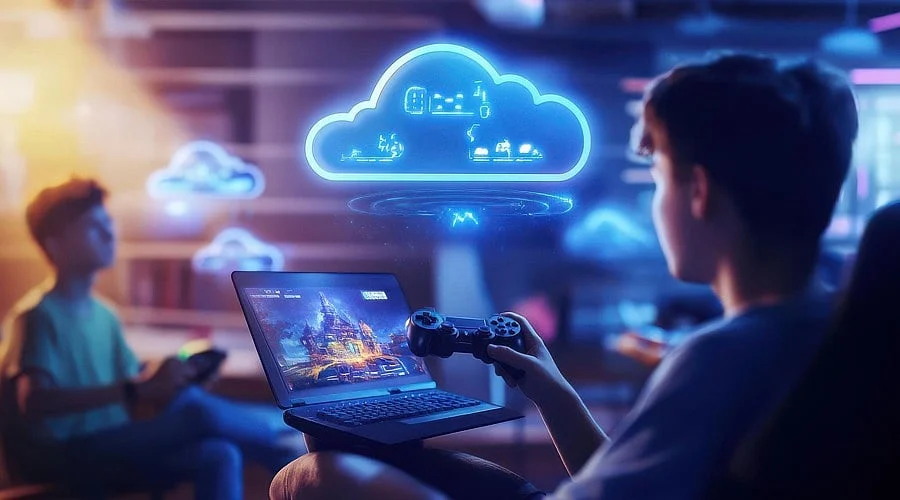
Cloud gaming renders video games on remote servers and streams the visual output to a supported device instantaneously
-
Gameplay performance relies on network stability and latency rather than the specifications of local hardware
-
Services like GeForce NOW, Xbox Cloud Gaming, and Amazon Luna vary by subscription tiers, device compatibility, and speed requirements
An affordable smartphone can now run a video game that typically demands an expensive graphics card. The phone itself remains unchanged; the location where the software executes is what has shifted. This evolution subtly redefines the boundary between a device’s local capabilities and the data a network can transmit on its behalf.
What is Cloud Gaming
Cloud gaming transfers the intensive computational and rendering tasks away from the user’s terminal and into a remote data center. The local terminal is only responsible for processing video decoders, audio output, inputs, and network traffic. It skips calculating physics or rendering textures entirely. That workload is completed on a server and transmitted back in the form of a video feed.
This method differs fundamentally from remote play. Remote play utilizes a user’s personal console or computer to stream content to an alternative screen within the same household, meaning the original machine still performs all the computation. Cloud gaming eliminates that local machine from the process completely. Instead of extending the reach of a local apparatus, it acts as a substitute for it.
How the Loop Works
Every single input in cloud gaming requires a complete round trip. When a user activates a control, that signal travels to the remote server. The server computes the game logic and draws the subsequent frame, compresses it into video format, and beams it back. This sequence loops numerous times every second to maintain a natural feel.
Four distinct elements dictate how fluid that cycle operates. Bandwidth represents the volume of data transferable at a given moment. Latency measures the duration of each individual round trip. Jitter indicates the fluctuations in that latency over time.
Packet loss occurs when transmitted data packets fail to reach their destination, leading to visual artifacts or pauses. A connection boasting ample bandwidth can still feel sluggish if the latency or jitter levels are elevated.
Why Latency Matters More Than Graphics
Traditional gaming metrics rely heavily on graphical fidelity and frame rates. Conversely, cloud gaming evaluates performance using milliseconds of delay. A wired network featuring low and consistent latency typically outperforms a faster connection plagued by instability.
The specific routing path taken to reach the server is more critical than mere physical distance. A direct, steady pathway to a provider’s data center usually results in reduced latency. NVIDIA advises maintaining network latency below 80ms when connecting to its GeForce NOW servers, noting that lower delays create a more responsive gaming experience.
What Hardware is Actually Needed
Prerequisites vary slightly across different platforms, though a common standard applies to all: an eligible device, a reliable internet connection, and frequently a gamepad. Experts generally favor a wired network or a 5 GHz Wi-Fi signal over standard wireless connections.
The table below highlights the operational differences among three prominent services.
None of these three services provide identical access to every single console or PC title. Game availability remains tied to individual licensing agreements negotiated between publishers and the respective platforms.
What this Changes for Access
The practical result is a significantly reduced barrier to entry. Individuals who cannot justify purchasing an expensive gaming PC or console can instead subscribe to a cloud platform and access supported software using pre-existing household hardware. This transforms a substantial initial financial investment into a manageable, recurring fee.
Local storage also loses its significance. Rather than downloading massive installation files, the user initiates a session where the software resides directly on the remote server, rendering local disk space largely unnecessary.
Where the Model Still Falls Short
Unreliable or restricted broadband connections result in a degraded experience regardless of the hosting provider. Fast-paced, competitive genres expose input lag far more noticeably than slower or turn-based titles. Additionally, cloud gaming continuously consumes data throughout a session, unlike traditionally installed programs that only require bandwidth for initial setup and updates. This consumption pattern is particularly impactful for users with capped data plans.
Also Read: 7 Gaming Trends to Watch in 2027: AI, Cloud, Handhelds, More
Can Cloud Gaming Replace a Gaming PC or Console
Not entirely, and not for every user profile just yet. Cloud services suit individuals who maintain robust internet connections, wish to play supported titles without investing in costly gear, or frequently transition between multiple screens. Conversely, a traditional PC or console remains ideal for those requiring offline functionality, deep customization of graphical settings, immunity to network fluctuations, or titles absent from cloud catalogs.
Also Read: Cloud Gaming Explained: How it Works, What’s Next
Final Thoughts
Cloud gaming does not eliminate the need for powerful hardware; it simply relocates that hardware to a centralized data center. User satisfaction now hinges on the dependability of the network connection linking the local unit to the remote machine. As broadband capabilities continue to broaden, this trade-off becomes increasingly viable, though network latency, connectivity stability, and licensing terms will continue to dictate where cloud gaming thrives.
You May Also Like:
Can Cloud Gaming Really Replace PCs and Consoles?
Cloud Gaming Latency: Why Internet Speed Can Beat Better Hardware
Microsoft Begins Testing Ad-Supported Xbox Cloud Gaming for Insiders
FAQs
1. What is cloud gaming?
Cloud gaming is a streaming method where video games execute on remote infrastructure rather than a user’s personal computer, console, or mobile phone. The remote hardware handles the primary computations and rendering, while the player’s local hardware displays the video feed and transmits control inputs back.
2. Do you need a powerful PC for cloud gaming?
No. High-end specifications are generally unnecessary because resource-intensive processing occurs on remote servers. However, the client device must be compatible with the chosen service and maintain a steady internet connection capable of sustaining the video stream.
3. How fast does your internet need to be for cloud gaming?
Speed requirements fluctuate depending on the provider, resolution settings, and quality targets. Many cloud platforms suggest minimum download rates of around 10 Mbps, with higher definitions demanding faster connections. Consistent latency, minimal jitter, and a dependable link are equally critical for fluid gameplay.
4. Is cloud gaming the same as remote play?
No. Cloud gaming executes titles on a provider’s external servers. Remote play runs games on the user’s personal hardware and broadcasts the signal to a secondary screen within the home. Cloud gaming removes the requirement for a local gaming rig, whereas remote play relies on one.
5. Can cloud gaming completely replace a gaming PC or console?
It can diminish the necessity for expensive local equipment, but it does not serve as a universal substitute. Gamers who prioritize offline play, advanced graphical adjustments, independence from internet quality, or access to non-cloud titles will likely continue relying on traditional local hardware.