Which operating systems do Galaxy Tab and iPad Pro use?
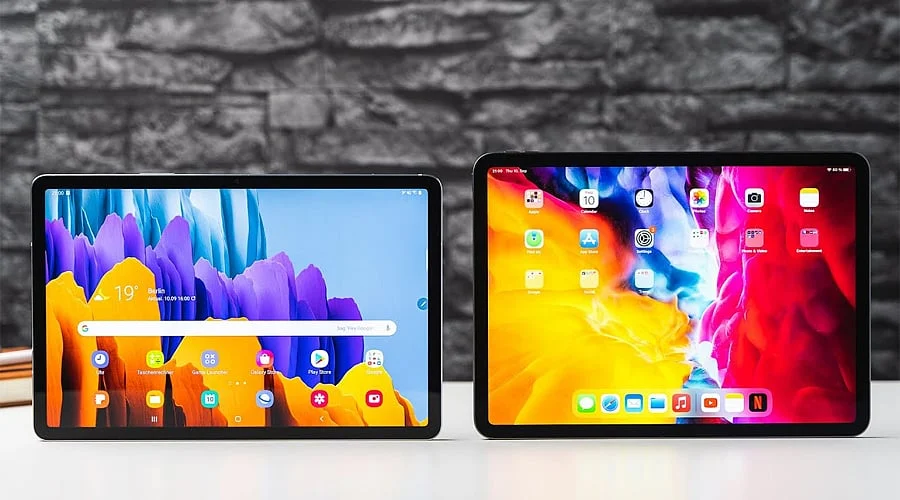
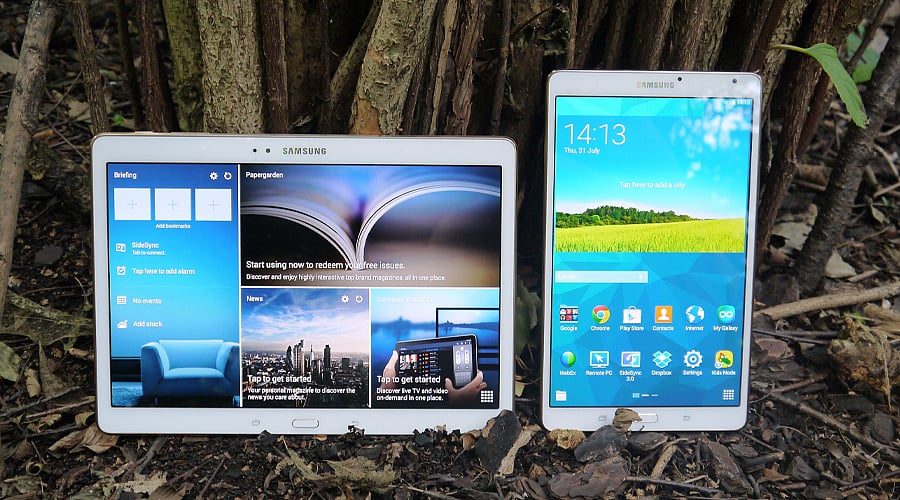
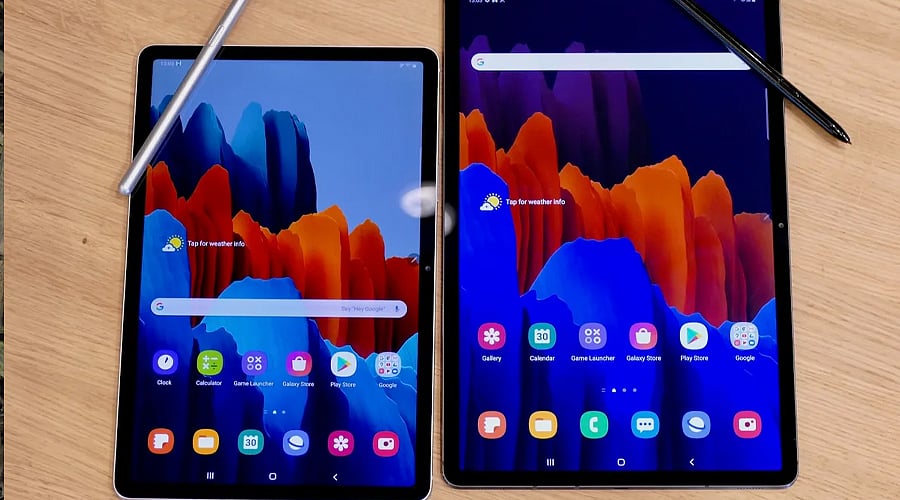
Samsung Galaxy Tab devices operate on Android paired with Samsung’s One UI interface, whereas the iPad Pro runs Apple’s iPadOS. The software environments vary noticeably: the Galaxy Tab supplies greater Android flexibility, varied multitasking features, and deep connectivity with Samsung hardware. Conversely, the iPad Pro centers on Apple’s tightly knit ecosystem, apps designed specifically for tablets, and smooth pairing with the iPhone, Mac, and Apple Watch.
How do Galaxy Tab and iPad Pro displays compare?
Top-tier Galaxy Tab models come equipped with large AMOLED screens that deliver vibrant colors, deep blacks, and high refresh rates. Meanwhile, iPad Pro versions utilize advanced OLED screens boasting impressive brightness, contrast, and color precision. Both screen types work exceptionally well for media consumption, gaming, creative projects, and daily tasks. Because specific display sizes, resolutions, and refresh rates differ across generations, buyers should review particular models of both the Galaxy Tab and iPad Pro.
Which offers better performance, Galaxy Tab or iPad Pro?
Apple’s high-end M-series chips drive the iPad Pro lineup, supplying desktop-level capabilities suited for heavy-duty tasks, video production, and professional creative pipelines. Premium Galaxy Tab units utilize flagship Qualcomm Snapdragon processors that also deliver robust speed. Although both excel under heavy loads, the iPad Pro typically holds an edge for professional software, whereas the Galaxy Tab stands out for its Android multitasking and productivity tools.
Which is better for productivity, Galaxy Tab or iPad Pro?
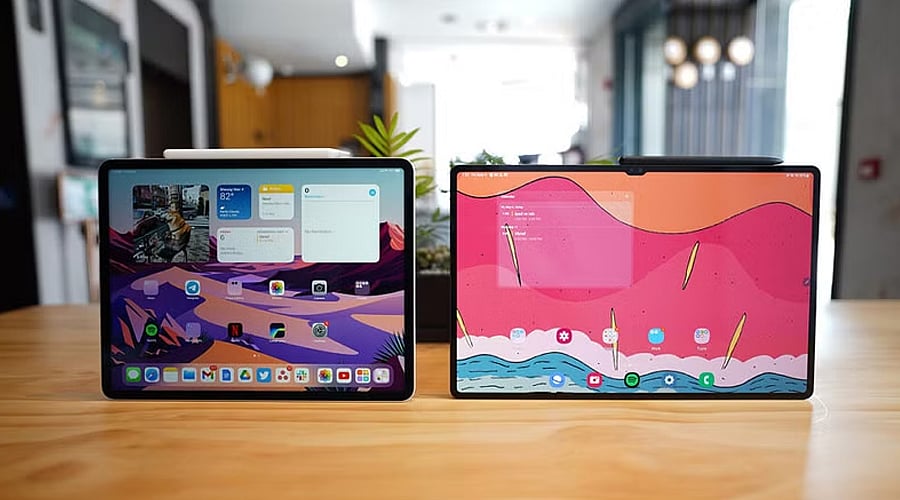
Galaxy Tab hardware incorporates tools like Samsung DeX, which supplies a computer-like desktop environment for handling multiple tasks and boosting output. The iPad Pro handles advanced multitasking via iPadOS and interfaces tightly with Macs and other Apple gadgets. The Galaxy Tab appeals to people looking for a PC-like Android setup, while the iPad Pro targets professionals already invested in Apple’s software suite and creative tools.
How do the stylus experiences differ?
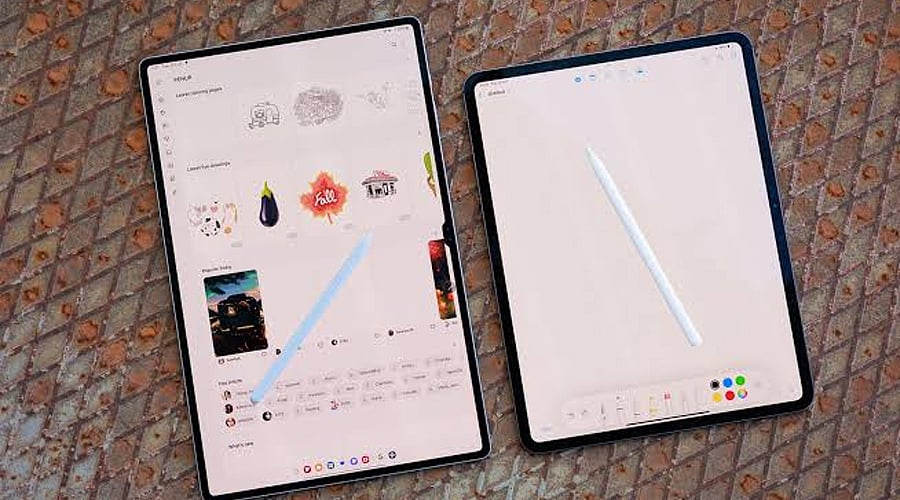
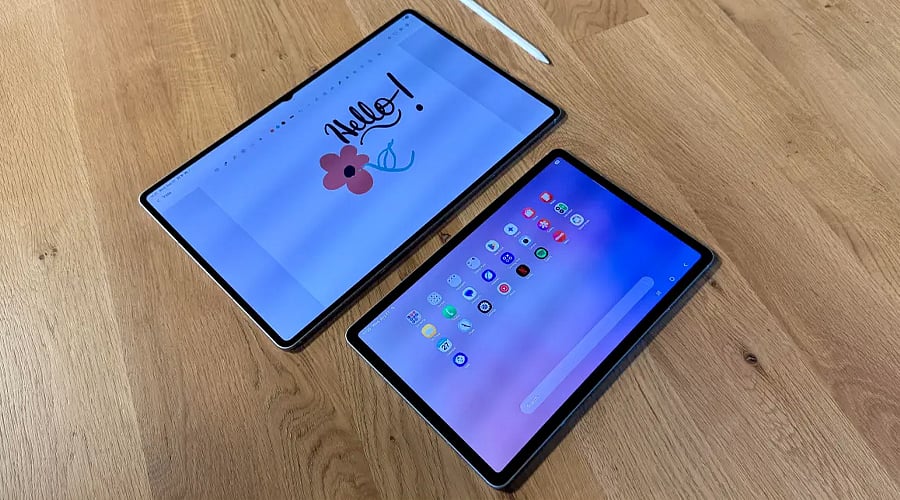
Samsung’s Galaxy Tab range supports the S Pen—frequently bundled with higher-end tablets—which performs admirably for handwritten notes, sketching, and general navigation. The iPad Pro accommodates the Apple Pencil Pro, providing pressure sensitivity, hover detection, and sophisticated creative features. Both devices serve artists and note-takers exceptionally well, meaning the ideal choice usually hinges on preferred applications, extra accessories, and current device setups.
Which tablet has better ecosystem integration?
The Galaxy Tab links smoothly with Samsung Galaxy phones, Galaxy Buds, Galaxy Watches, and Windows computers through functions like Quick Share and cross-device connectivity. The iPad Pro leverages Apple’s hardware network to offer effortless pairing with iPhones, Macs, AirPods, and additional Apple merchandise. Individuals who already own multiple items from either manufacturer will likely find it simpler to remain within that same brand family.
Which tablet should you buy?
The right selection depends on your personal goals, financial plan, and current electronics. The Galaxy Tab attracts users who value Android adaptability, S Pen inclusion, DeX, and strong Samsung connectivity. The iPad Pro works best for individuals seeking robust M-series speed, professional creative software, and the advantages of the Apple ecosystem. It is vital to evaluate specific models, storage configurations, add-ons, and costs before settling on a final purchase.
Join our WhatsApp Channel to get the latest news, exclusives and videos on WhatsApp