Choosing the Right Portable Storage Device for You
Discover how to choose the right portable storage device by comparing USB flash drives, external HDDs, portable SSDs, memory cards, and network storage solutions based on speed, budget, capacity, and durability.
Portable Storage Devices Explained: Portable storage devices allow users to transfer, carry, and back up digital data independently of cloud services. These tools handle everything from software and videos to photos and documents, providing varying levels of convenience, speed, and capacity. Selecting the best solution relies on your frequency of use, portability needs, budget, and storage demands.
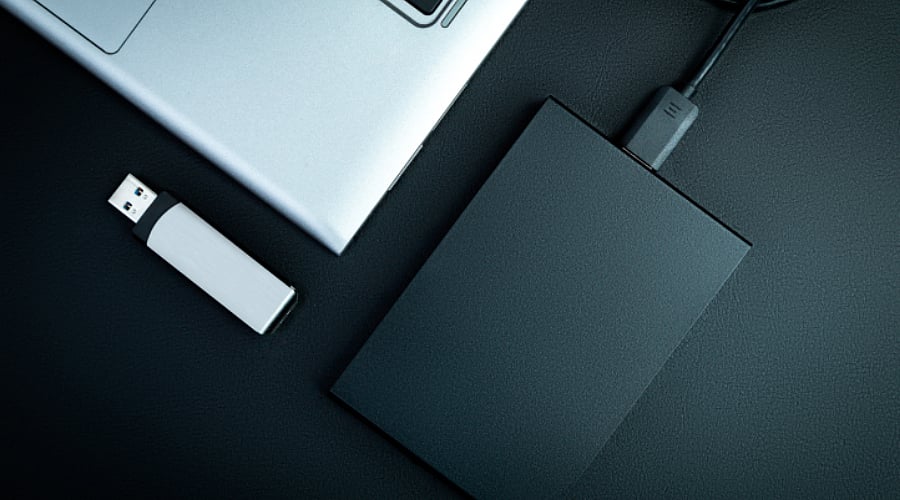
USB Flash Drives for Everyday Transfers: USB flash drives are lightweight, compact, and simple to slip into a pocket or attach to a keychain. They excel at moving smaller files, photos, presentations, and documents across different computers. Although budget-friendly and handy, their performance and storage capacities fluctuate. They suit professionals, students, and anyone requiring fast, mobile access.
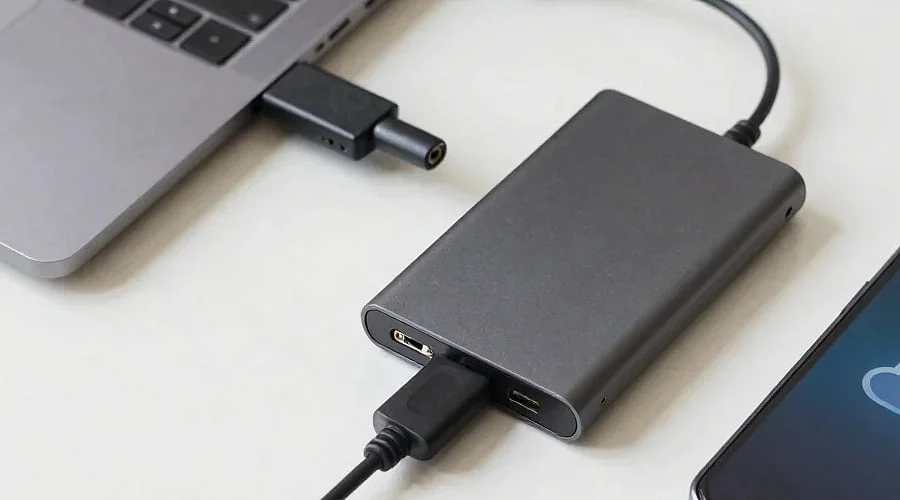
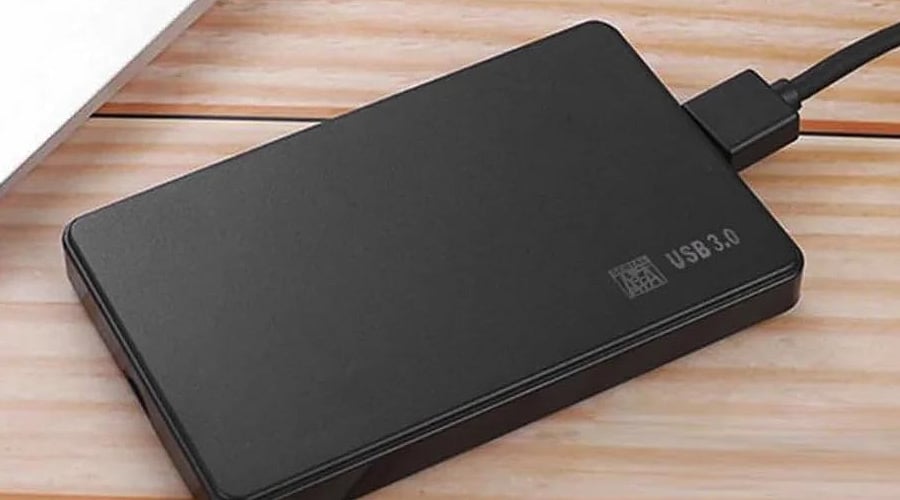
External HDDs for Affordable Storage: External hard disk drives (HDDs) provide large storage capacities at relatively budget-friendly rates. They work well for computer file backups, keeping extensive media libraries, and archiving documents. That said, internal mechanical moving parts make them more susceptible to physical harm. Opt for an external HDD when price and capacity take priority over speed.
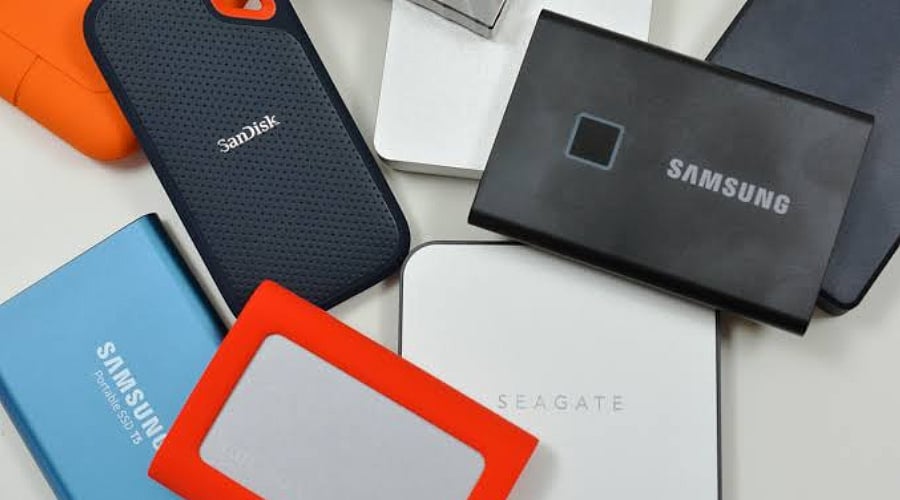
Portable SSDs for Speed and Durability: Portable solid-state drives (SSDs) frequently offer quicker data access and faster file transfers compared to conventional external HDDs. Because they contain no moving parts, they also feature enhanced durability against everyday drops and bumps. They benefit gamers, photographers, video editors, and other professionals working with massive files. Nevertheless, premium-performance models can carry a much higher price tag.
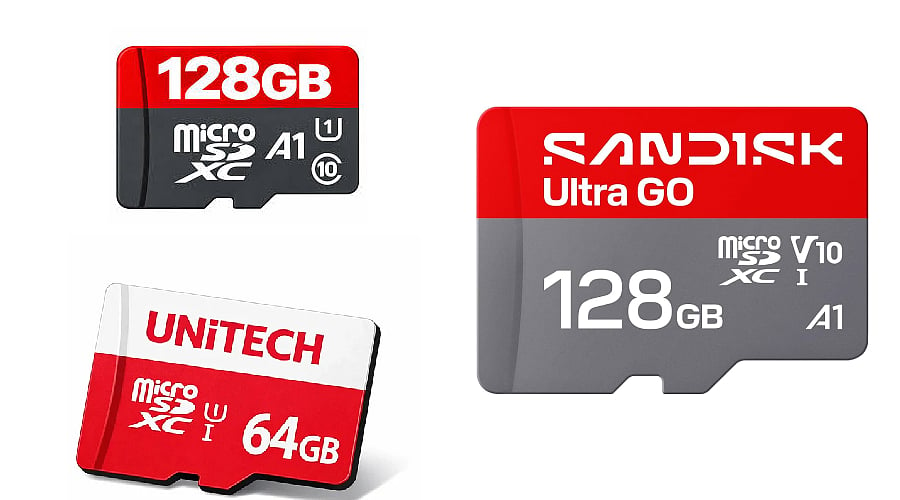
Memory Cards for Cameras and Mobile Devices: Memory cards—such as microSD and SD formats—offer removable storage solutions for smartphones, cameras, drones, and other supported gadgets. Their tiny build makes them great for increasing storage capacity, recording video, and snapping pictures. Always verify speed ratings, capacity limits, and device compatibility prior to buying. These elements are especially critical when shooting burst photos or recording high-definition video.
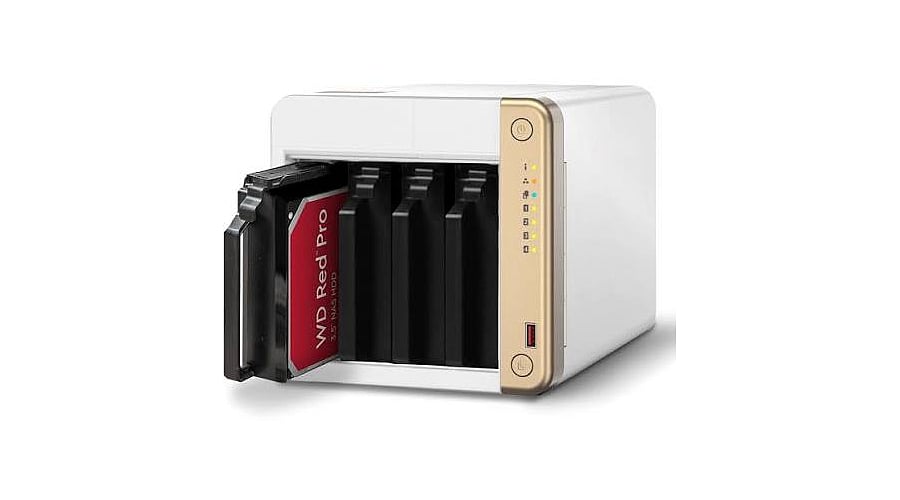
Network Storage and Cloud Alternatives: Network-attached storage (NAS) delivers shared file access among linked devices, making it a great fit for small businesses, creative groups, and households. Alternatively, cloud storage lets you retrieve files from multiple locations without physical hardware. Keep in mind that NAS demands extra hardware, while cloud platforms rely on ongoing subscriptions and internet connectivity. Both serve as useful supplements to portable storage.
How to Choose the Right Device: Begin by calculating your total data storage needs and how often you plan to access those files. Opt for USB drives for rapid transfers, external HDDs for cost-effective capacity, memory cards for supported electronics, and portable SSDs for speed. Factor in your requirements for backup, security, connectivity, and physical resilience. Evaluate prices and specifications carefully before making a purchase.
Join our WhatsApp Channel to get the latest news, exclusives and videos on WhatsApp