Claude Desktop vs. Mobile App: Productivity Comparison
Compare Claude Desktop and Mobile apps to see how each platform handles productivity, file management, multitasking, and on-the-go capture tools for your daily workflow needs.
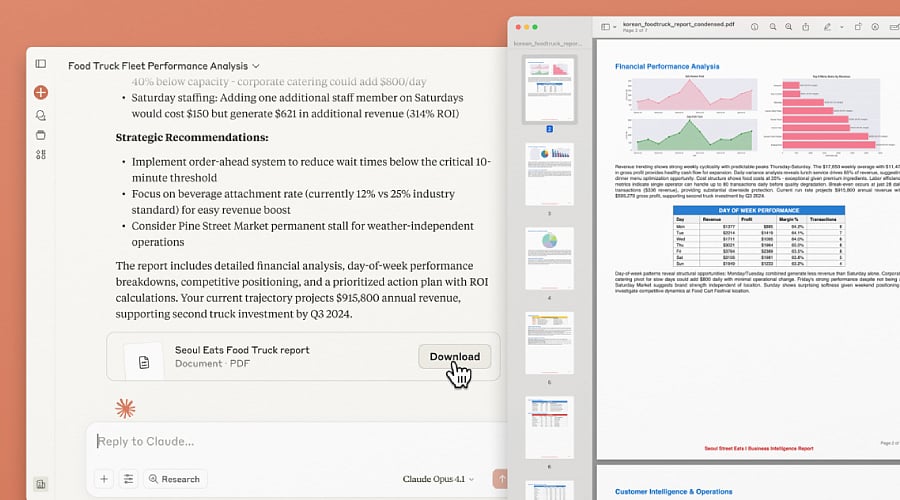
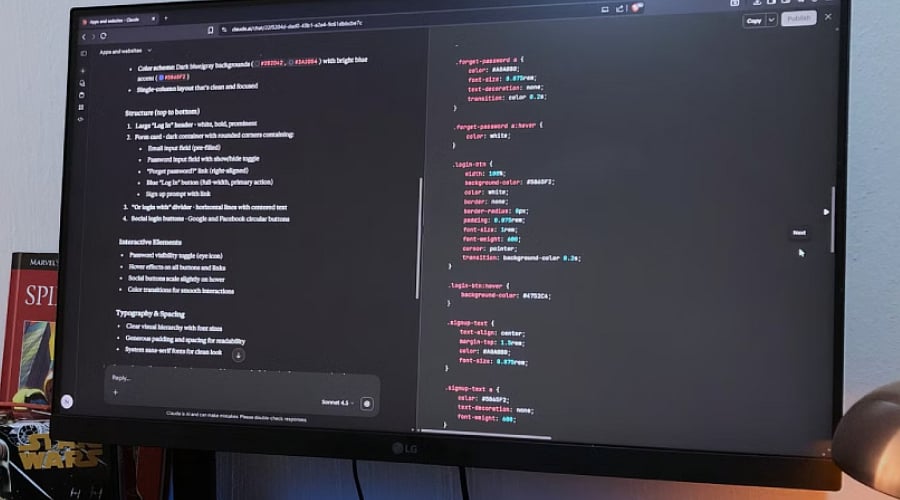
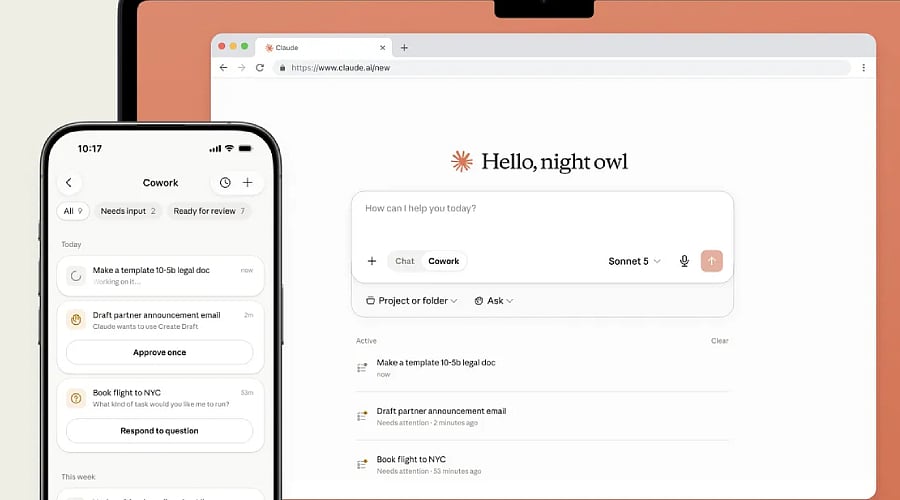
Claude Desktop App: Claude Desktop excels at focused, computer-based tasks. By integrating smoothly with your desktop workflow and supporting local files, apps, connectors, and Code tools, it serves as the superior choice for research, writing, coding, and multi-step projects requiring greater control and screen space.
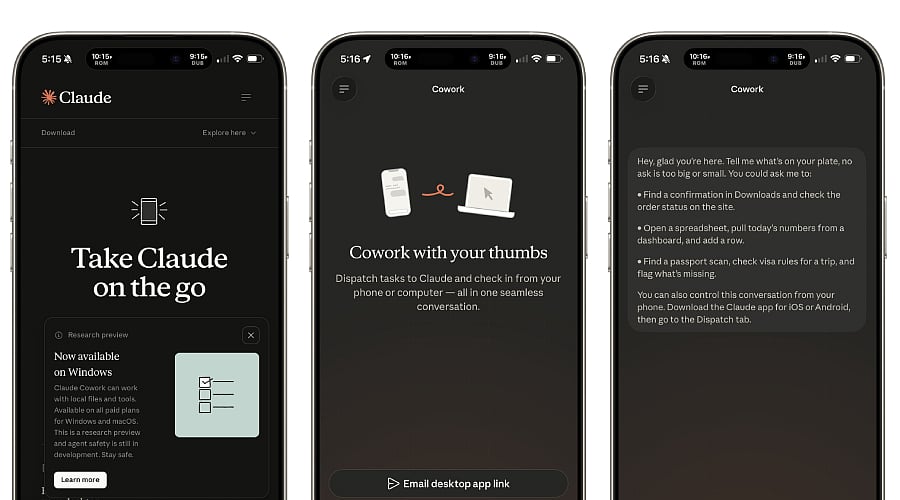
Claude Mobile App: Claude Mobile shines when your productivity needs to happen away from a desk. Available for iOS and Android, these apps feature chat, voice dictation, photo analysis, projects, and synced conversations, allowing you to draft thoughts, check your work, or pick up a task from any location.
File Creation and Editing: While both platforms support creating and editing PDFs, slide decks, spreadsheets, and documents, Desktop provides a more natural environment for detailed file management. Mobile works best for rapid approvals and quick edits, whereas Desktop is better suited for handling lengthy documents and intricate formatting.
Multitasking on Desktop: The desktop application takes the lead in multitasking by running right alongside your browser, files, and other programs. Keeping Claude open in a side window lets you share context directly from your screen and transition between applications seamlessly without juggling full-screen windows.
Mobile Convenience and Capture: Mobile stands out as the ultimate capture tool. You can use voice dictation to speak your ideas or snap pictures of charts, documents, notes, and whiteboards, then have Claude instantly organize or summarize them to turn downtime into productive momentum.
Remote Control With Dispatch: The mobile experience reaches a new level with Dispatch: you can message Claude from your mobile device while it utilizes your desktop’s apps, plugins, connectors, and local files to handle tasks and deliver the finished product. This setup merges mobile flexibility with desktop computing strength.
Which Is Better Overall?: Opt for Desktop when tackling heavy automation, coding, local files, and deep concentration work. Opt for Mobile when you need rapid input, photo analysis, voice notes, and on-the-go task tracking. To achieve peak productivity, rely on Mobile to delegate tasks and Desktop to execute them.
Join our WhatsApp Channel to get the latest news, exclusives and videos on WhatsApp